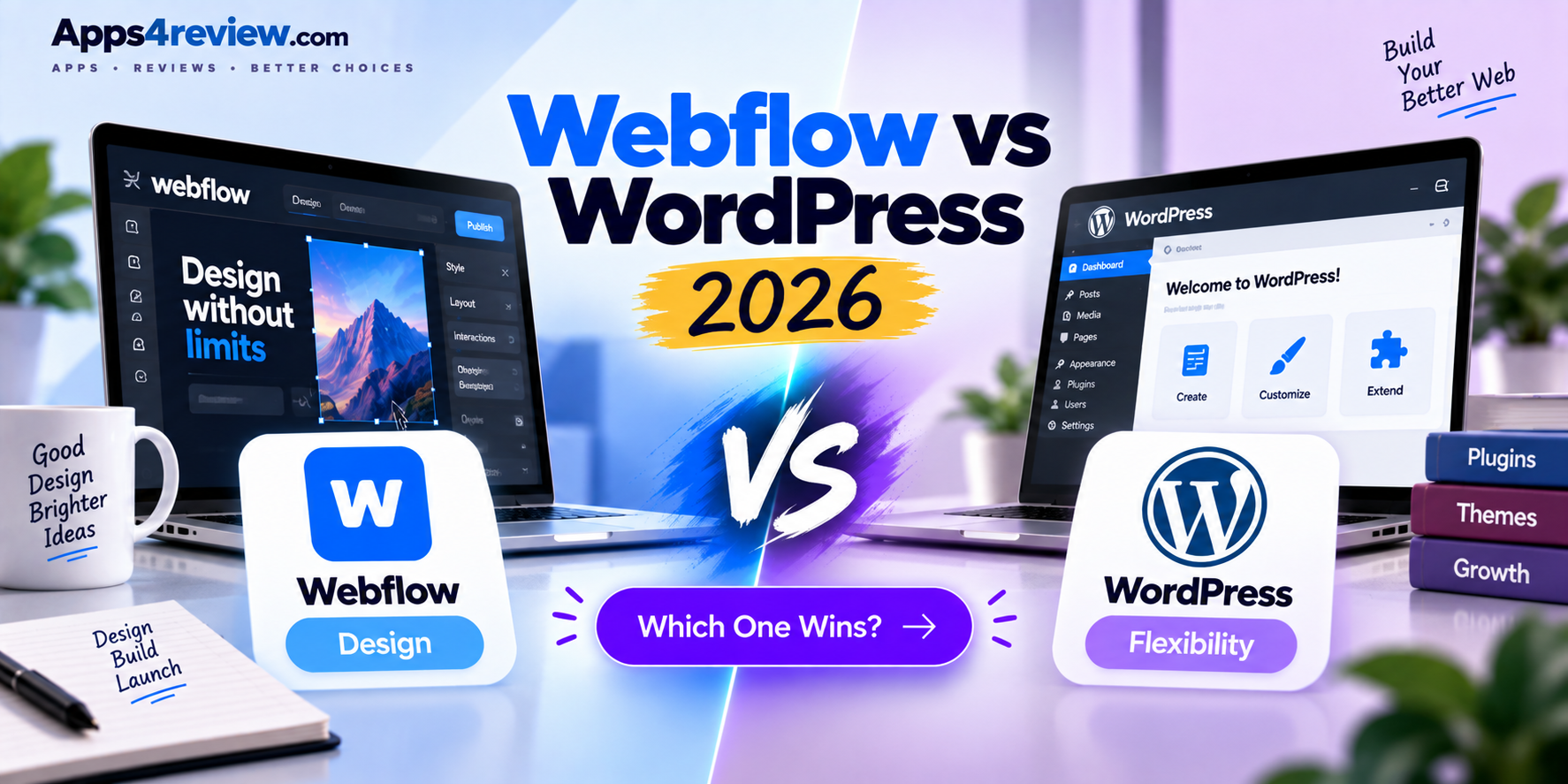
Webflow and WordPress represent two genuinely different philosophies about how a website should get built: Webflow is a visual, design-first platform where a designer builds directly with clean, exported code rather than a template, while WordPress remains the open-source, plugin-driven ecosystem powering a substantial share of the entire web through endless extensibility. Both remain genuinely strong choices in 2026, and the right pick comes down to whether design precision or ecosystem flexibility matters more for a specific project. This comparison looks at design control, extensibility, and total cost to help decide which platform actually fits.
Design Control and Output Quality
Webflow’s core advantage remains genuinely pixel-precise visual design control, letting designers build directly with real CSS and HTML output rather than working within a theme’s predetermined constraints, resulting in cleaner, more consistent code than most WordPress theme-plus-page-builder combinations typically produce. WordPress can achieve comparable design precision, but usually requires either custom theme development or a heavier page builder plugin stacked on top, both of which add genuine complexity and potential performance overhead compared to Webflow’s more native design-to-code workflow. For projects where exact visual fidelity to a specific design matters enormously, Webflow’s approach consistently produces a more predictable, controlled result with less fighting against the platform’s own constraints.
Extensibility and Ecosystem
WordPress holds an overwhelming advantage in raw ecosystem breadth, with tens of thousands of plugins covering virtually any functionality imaginable, from complex e-commerce through membership sites, forums, and highly specialized industry-specific tools that have been built and refined over WordPress’s roughly two-decade history. Webflow’s more curated app marketplace and native CMS functionality cover the majority of common needs well, but genuinely custom, complex functionality often requires more development work or external integration than simply installing an established WordPress plugin that already solves the exact problem. For projects with genuinely unusual or highly specific functional requirements, WordPress’s sheer plugin ecosystem breadth remains difficult for Webflow to match.
Content Management and Team Workflow
Webflow’s CMS Collections give non-technical content editors a genuinely clean, constrained editing experience that’s harder to accidentally break than WordPress’s more open-ended block editor, since content fields are explicitly structured rather than allowing arbitrary layout changes within a content entry. WordPress’s block-based editing has improved considerably in recent years and offers more flexibility for content editors who want genuine layout control within individual posts or pages, though that flexibility also creates more opportunity for a well-intentioned but inexperienced editor to accidentally break a page’s design. Teams with a clear separation between designers who control layout and editors who only fill in content tend to prefer Webflow’s more constrained CMS model, while teams that want editors to have more creative layout freedom within individual pieces of content often prefer WordPress’s more open approach.
Pricing and Total Cost of Ownership
Webflow’s pricing bundles hosting, security, and platform maintenance into a single predictable monthly fee, removing the ongoing burden of managing separate hosting, security patches, and plugin updates that WordPress site owners handle themselves or pay a developer to manage. WordPress itself remains free and open-source, but the true total cost includes hosting, a theme or page builder license, premium plugins for specific functionality, and either the site owner’s own time or a developer’s ongoing fee for maintenance and security updates, a cost structure that can end up comparable to or even higher than Webflow’s all-in-one pricing depending on a site’s actual complexity. For teams that specifically want to avoid ongoing technical maintenance responsibility, Webflow’s bundled model offers real, quantifiable peace of mind that WordPress’s more piecemeal cost structure doesn’t provide.
Neither platform has definitively won in 2026; they continue to serve genuinely different priorities rather than competing head-to-head for the exact same project. Design-focused teams and agencies that want pixel-precise visual control, predictable hosting costs, and minimal ongoing technical maintenance will consistently find Webflow the better fit, particularly for marketing sites, portfolios, and content-focused sites without highly unusual functional requirements. Projects that need access to WordPress’s enormous plugin ecosystem, complex e-commerce, membership functionality, or highly specific industry tools, or teams that already have in-house WordPress expertise and are comfortable managing ongoing maintenance, will generally get more long-term value and flexibility from WordPress despite its steeper technical maintenance burden.
Conclusion
Webflow and WordPress both remain excellent, mature website platforms in 2026, and the right choice comes down almost entirely to whether design precision and low-maintenance simplicity or raw ecosystem flexibility matters more for a specific project. For design-led sites prioritizing visual control and predictable costs, Webflow remains the safer default, while projects needing WordPress’s vast plugin ecosystem or highly specific custom functionality should give it serious consideration despite the added ongoing maintenance responsibility.