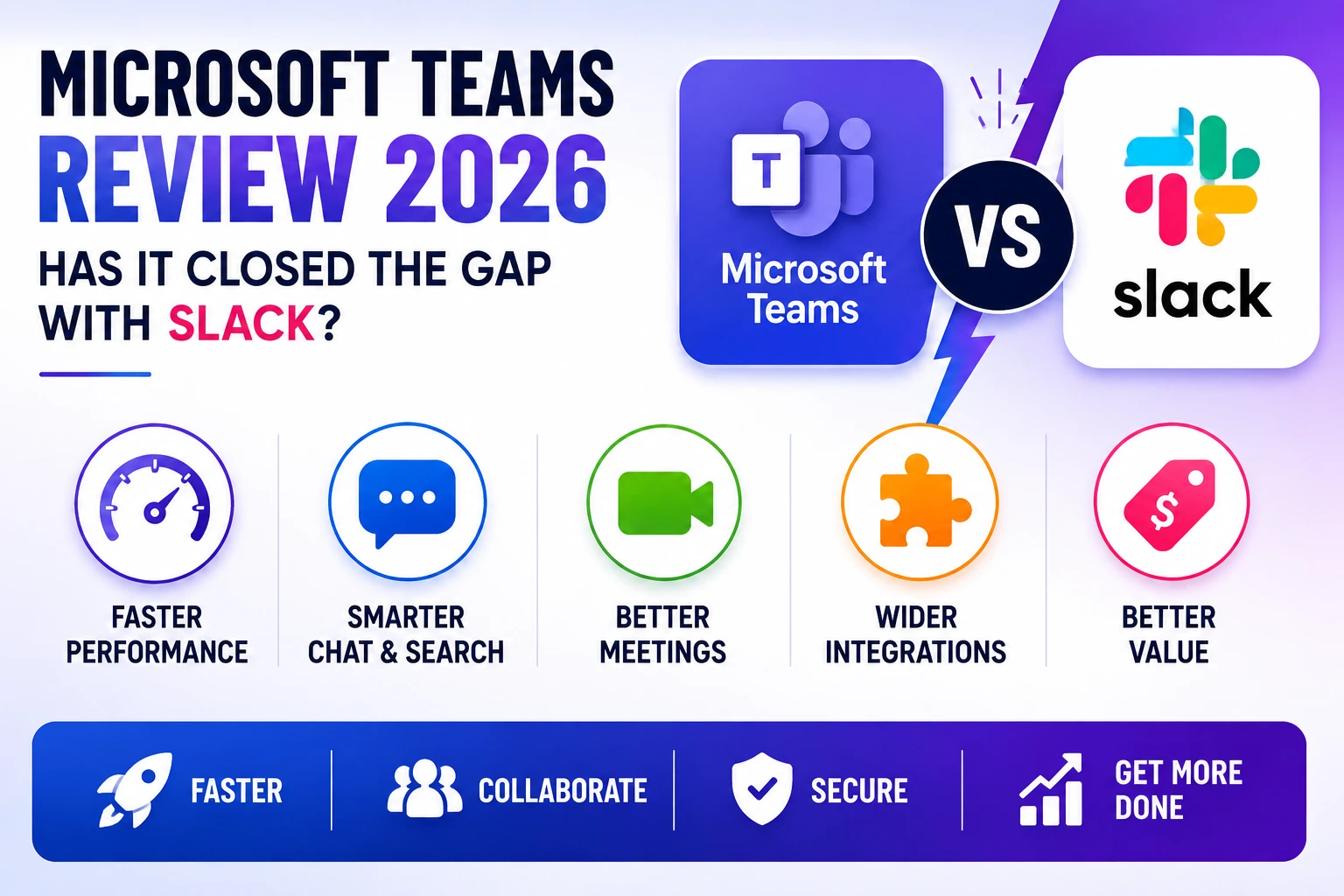
Microsoft Teams and Slack have been compared to each other for so long that the rivalry has become a running joke among IT teams choosing workplace collaboration software, but 2026 has genuinely narrowed that gap more than any previous update cycle. Teams has spent the last few years addressing the exact complaints that used to send frustrated users straight to Slack, including a sluggish interface, clunky notification management, and search that too often failed to find recent messages. This review takes a close look at where Teams stands today, evaluating its chat experience, video conferencing, third-party integrations, and pricing to determine whether it has finally become a genuine alternative to Slack rather than simply the default option bundled into a Microsoft 365 subscription.
Interface and Performance
The most immediately noticeable change in the 2026 version of Teams is raw performance. The app now launches noticeably faster and feels considerably lighter in day-to-day use compared to earlier versions that were notorious for high memory usage, even on reasonably capable laptops. Microsoft rebuilt significant portions of the client on a new underlying framework specifically to address these complaints, and the difference is genuinely tangible for anyone who has used Teams over the past several years. Channel navigation has also been reorganized, with a cleaner sidebar and better visual distinction between channels with unread messages versus ones that are simply pinned for quick access, addressing a longstanding source of confusion for new users.
Chat and Search Experience
Search has historically been one of Teams’ weakest points compared to Slack, and the 2026 update brings meaningful improvement here, with faster indexing and noticeably better relevance ranking when searching for older messages or shared files. Threaded replies now behave more intuitively, staying visually attached to their parent message rather than sometimes appearing disconnected in the main channel feed as they did in earlier versions. Message formatting options have also expanded to more closely match what Slack users are accustomed to, including better support for code blocks and inline formatting shortcuts, which reduces one of the more common friction points for teams that have used both platforms.
Video Conferencing and Meetings
Video conferencing remains one of Teams’ genuine strengths, and the 2026 version pushes this advantage further with improved background noise suppression and a more polished together mode that places participants in a shared virtual background for a more natural meeting feel. Meeting recordings now come with better automatic transcription accuracy and searchable transcripts, letting users jump directly to the point in a recording where a specific topic was discussed rather than scrubbing through the entire video. The integration between chat and meetings has also tightened, with meeting chat threads now persisting and remaining searchable alongside regular channel conversations rather than disappearing into a separate meeting-specific view.
Integrations and Pricing
Teams’ integration ecosystem has grown substantially, though it still leans more heavily toward Microsoft’s own product suite compared to Slack’s broader third-party app marketplace. For organizations already deeply invested in Microsoft 365, this tight integration with SharePoint, OneNote, and Outlook remains a genuine advantage that Slack simply cannot match without additional connector setup. Pricing continues to be one of Teams’ strongest selling points, since it is bundled into most Microsoft 365 business plans at no additional cost, compared to Slack’s standalone per-user pricing which can add up meaningfully for larger organizations already paying for a Microsoft 365 subscription anyway.
Whether Teams has fully closed the gap with Slack really depends on what an organization values most. Companies deeply embedded in the Microsoft ecosystem will likely find that 2026’s Teams update removes most of the remaining reasons to consider switching away, especially given the cost advantage of a bundled subscription. Organizations that prioritize a lighter, chat-first experience with the broadest possible third-party app ecosystem may still lean toward Slack, though the performance and usability gap that used to make this an easy decision has narrowed considerably. It is worth noting that a growing number of companies are running both tools simultaneously, using Teams for internal Microsoft-centric collaboration and Slack for external partner communication, rather than treating the choice as strictly either-or.
Conclusion
Microsoft Teams in 2026 is a genuinely different product from the sluggish, occasionally frustrating tool many users remember from a few years ago. While Slack still holds an edge in interface polish and third-party integrations for some users, Teams has closed enough of the performance and usability gap that the decision between the two now comes down more to ecosystem preference than a clear quality gap, which is a significant shift from where the two platforms stood not long ago.