The average knowledge worker loses 2.5 hours daily searching for information they’ve already captured. The problem isn’t a lack of notes — it’s a lack of system.
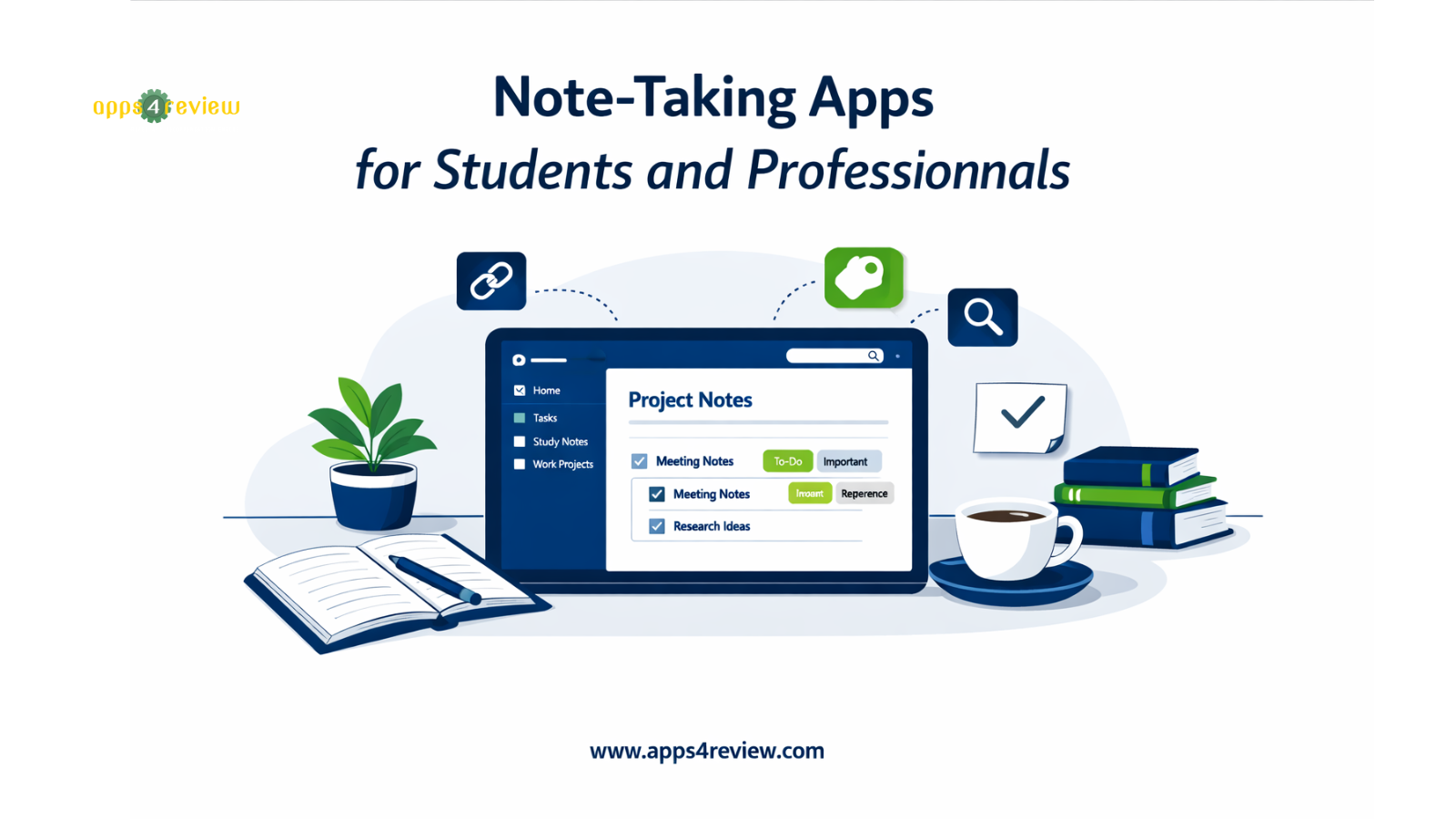
The best note-taking apps don’t just let you type — they help you link ideas, tag concepts, search everything instantly, and turn raw notes into organized knowledge. Here are five that genuinely change how you think and work
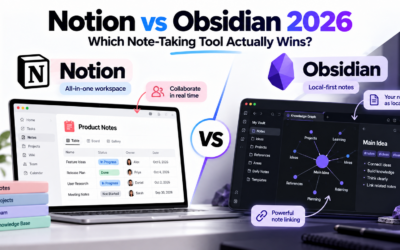
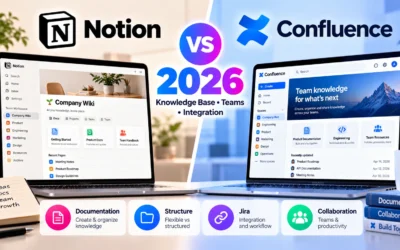
1. Notion — Best All-in-One Workspace
Notion combines notes, databases, project tracking, and wikis in one flexible tool. You can build a personal knowledge base, manage projects, track habits, or create a team wiki — all within the same app. Free for personal use; team plans start at $10/member/month.
📱 Available on:
Best for: Students and professionals who want one tool to replace five others.
2. Obsidian — Best for Deep Knowledge Management
Obsidian stores your notes as local markdown files and lets you link them into a visual knowledge graph. Fully offline, completely private, and free for personal use. Inspired by the Zettelkasten research system used by academics.
📱 Available on:
Best for: Researchers, writers, and deep learners building long-term knowledge bases.
3. Roam Research — Best for Networked Thinking
Roam Research is built around bi-directional linking — every reference automatically creates a back-reference, turning your notes into a networked database of ideas. Steep learning curve, beloved by academics. $15/month.
📱 Available on:
- 🌐 Official Website (Web-based — no native mobile app. Works in mobile browser.)
Best for: Advanced users who want to see how all their ideas connect.
4. Apple Notes — Best Frictionless iOS Option
Apple Notes is instant, syncs across iPhone/iPad/Mac, supports rich text, images, checklists, and scanned documents. Completely free. The Quick Note function and collaboration features make it genuinely powerful for light daily use.
📱 Available on:
- 🍎 Pre-installed on all iPhone and iPad devices
- 🖥️ Available on macOS — built-in
(No Android or Windows version — Apple ecosystem only)
Best for: iPhone and Mac users who want zero-friction daily capture
5. Evernote — Best for Document-Heavy Research
Evernote Web Clipper saves entire web articles with one click. Its OCR feature searches text inside images and PDFs. Best for professionals who research heavily and need a searchable archive of external content.
📱 Available on:
Best for: Researchers, journalists, and lawyers saving and searching large volumes of external content