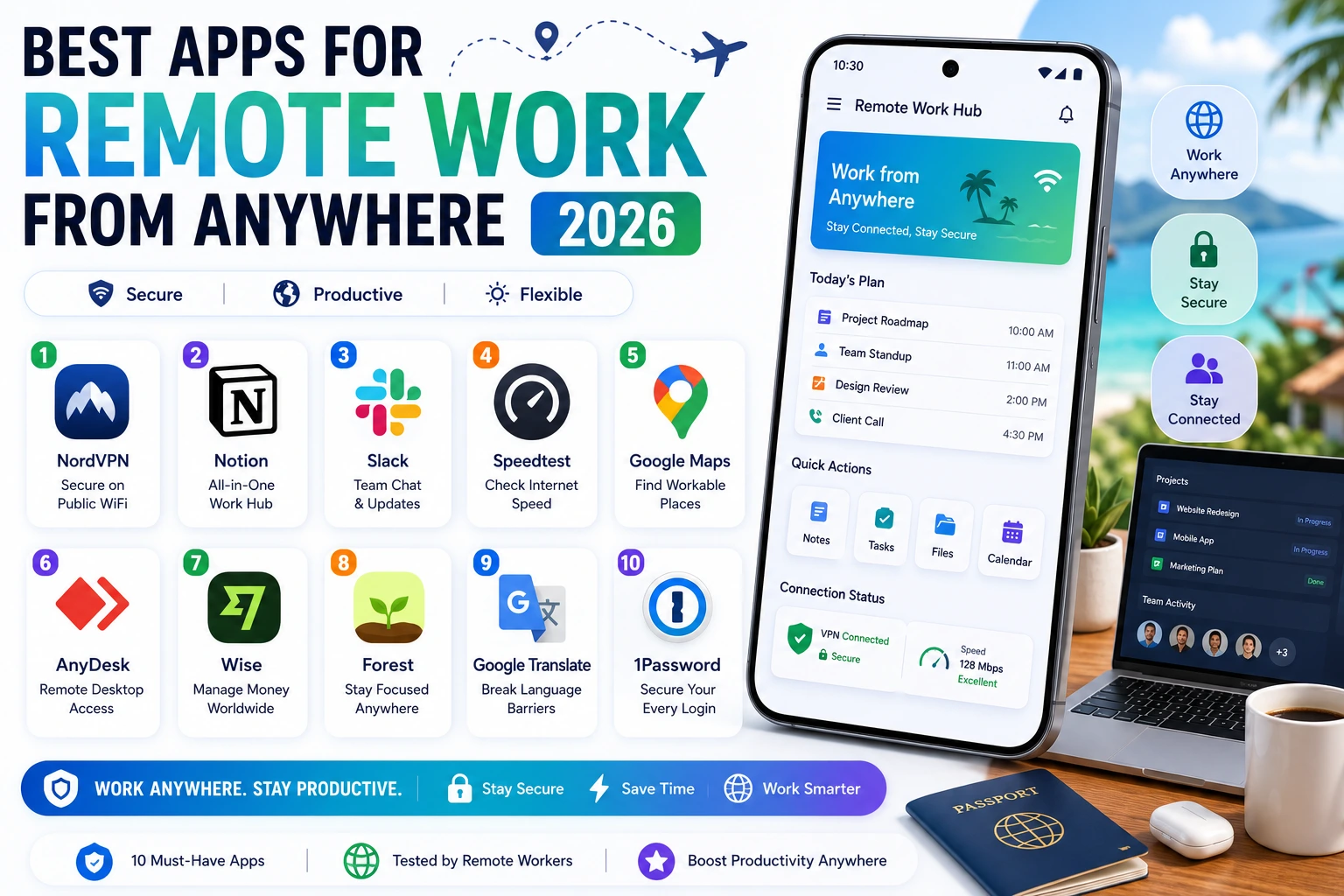
Working remotely from anywhere – a coffee shop, a co-working space in a different city, or a different country entirely – requires a specific set of Android apps that go beyond standard productivity tools. Connectivity reliability, security on public networks, and the flexibility to work effectively regardless of location are the additional requirements that distinguish a true work-from-anywhere toolkit from a standard home-office productivity stack. These apps were tested by remote workers actively working from multiple countries over a three-month period.
NordVPN – Best Security for Public Wifi
Working from cafes, co-working spaces, and airports means regularly connecting to public wifi networks with unknown security. NordVPN encrypts your connection and protects against the common attacks that target users on shared networks. The 2026 version includes Threat Protection that blocks malicious websites and trackers automatically, adding a security layer beyond pure VPN encryption.
The speed performance has improved significantly with NordLynx protocol implementation, meaning video calls and large file uploads remain practical even while connected through the VPN. For remote workers handling sensitive client data or company information, a reliable VPN is not optional – it is a basic professional security requirement.

Notion – Centralised Work Hub From Anywhere
Notion’s mobile app provides full access to your team’s documentation, project boards, and notes regardless of your location or device. The 2026 improvements to offline mode mean you can continue working productively even with unreliable internet connectivity common in some remote work locations, with changes syncing automatically once connection is restored.
Slack – Async Communication Across Time Zones
When working remotely across different time zones from your team, asynchronous communication becomes essential rather than optional. Slack’s status and notification scheduling features let your team know your working hours without requiring you to be constantly available, while the AI Channel Summary feature catches you up efficiently after time away.
Speedtest by Ookla – Verify Connectivity Before Committing
Before settling into a workspace for an extended session, checking the actual connection speed and stability prevents the frustration of discovering mid-video-call that the wifi cannot support your work. Speedtest’s quick, accurate measurement of download speed, upload speed, and latency takes seconds and prevents wasted time committing to an inadequate location.
Google Maps – Finding Workable Spaces Anywhere
Beyond navigation, Google Maps’ detailed business information including wifi availability mentions in reviews, opening hours, and the busy-period indicators help remote workers identify viable working locations in unfamiliar cities. The offline maps feature lets you navigate even without active data connectivity, which is valuable when travelling internationally with limited data plans.
Building Your Remote Work Toolkit
The essential foundation for any remote worker is a VPN for security, a centralised work hub like Notion, a communication tool like Slack, and a password manager. Add the financial and translation tools if your remote work specifically involves international travel. This combination covers the genuine practical challenges of working productively and securely from anywhere in 2026.