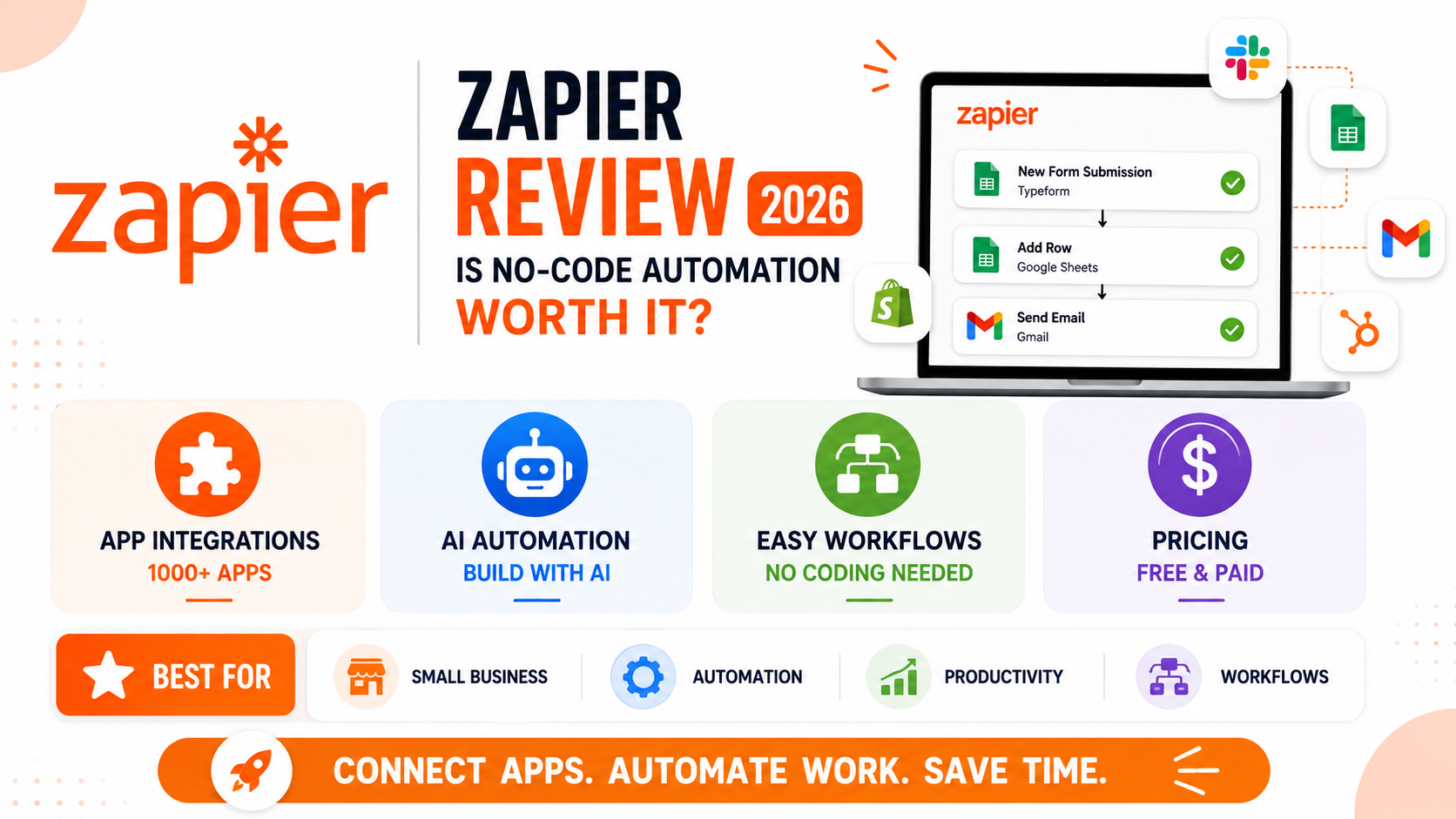
Zapier popularized the idea that connecting two unrelated apps to automate a repetitive task, like adding a new form submission directly to a spreadsheet, shouldn’t require actual coding skill, building a genuinely large ecosystem of app integrations that made no-code automation accessible to small businesses and individuals alike. Years later, genuine competitors like Make and n8n have emerged with different pricing models and visual workflow approaches, raising a fair question about whether Zapier’s original first-mover advantage and premium pricing still hold up against alternatives built with the benefit of watching what Zapier did well and where it left room for improvement. This review looks at whether that original advantage genuinely still justifies the cost.
App Integration Breadth
Zapier’s library of supported app integrations remains genuinely the largest and most current in the industry, meaning a specific niche app is more likely to have a ready-made Zapier integration than with any competing automation platform.
🔗 Download on Play Store | zapier.com
Ease of Use for Simple Automations
Zapier’s step-by-step, linear workflow builder remains genuinely the most approachable option for a non-technical user setting up a simple two-app automation, prioritizing clarity over the more complex branching logic some competitors offer.
AI-Assisted Workflow Building
Zapier’s AI features can now build an entire automation from a plain-language description of the intended workflow, genuinely reducing the setup time for straightforward automations that would have previously required manually configuring each step.
Pricing and Where It Falls Short
Zapier’s pricing scales up meaningfully faster than competitors like Make as task volume grows, and its per-task billing model can become genuinely expensive for high-volume automations compared to Make’s more generous operations-based pricing structure.
Users specifically needing a rare, niche app integration should check Zapier first given its unmatched breadth, even if the pricing ends up higher than a competitor’s for the same basic automation. Budget-conscious users and businesses running genuinely high-volume automations should seriously compare Make’s pricing structure directly against Zapier’s task-based billing, since the difference in cost at scale can be substantial for the exact same underlying automation. Non-technical users setting up their first simple automation still benefit from Zapier’s more linear, guided workflow builder, while users comfortable with more visual, branching logic may find Make’s canvas-style builder better suited to genuinely complex multi-path automations. The AI-assisted building feature is worth trying specifically for anyone who’s found Zapier’s traditional step-by-step configuration process intimidating in the past. It’s also worth auditing existing active automations periodically, since forgotten or redundant zaps quietly continue consuming task quotas long after their original purpose has stopped mattering. Reviewing the account’s active zap list once a quarter is a genuinely simple habit that catches this kind of quiet cost creep before it adds up meaningfully.
Zapier’s core value, connecting apps that would otherwise require custom code to talk to each other, remains genuinely useful, and its unmatched integration breadth still justifies the subscription for many users despite newer, sometimes cheaper competitors. For anyone running high-volume or complex automations, it’s worth directly comparing Zapier’s cost against Make or a similar alternative before assuming Zapier’s first-mover status alone justifies staying with it indefinitely. Loyalty to a familiar tool is a genuinely understandable instinct, but automation costs at scale are worth revisiting periodically rather than assumed to be fixed forever, especially as genuinely competitive alternatives continue closing the gap year over year in ways worth watching closely.