Airtable built its reputation on a genuinely clever hybrid, looking and feeling approachable like a familiar spreadsheet while actually functioning underneath as a real relational database, letting non-technical users build genuinely structured systems for tracking inventory, content calendars, or customer data without needing to learn actual database software. That hybrid approach has since been echoed by several competitors, and by 2026, it’s worth checking whether Airtable’s original execution still holds up clearly against tools that have absorbed similar ideas, particularly as Airtable has pushed further into AI-assisted automation and app-building on top of its core table structure. This review looks at whether that original hybrid execution still holds its edge or whether competitors have genuinely closed the gap.
Views and Data Flexibility
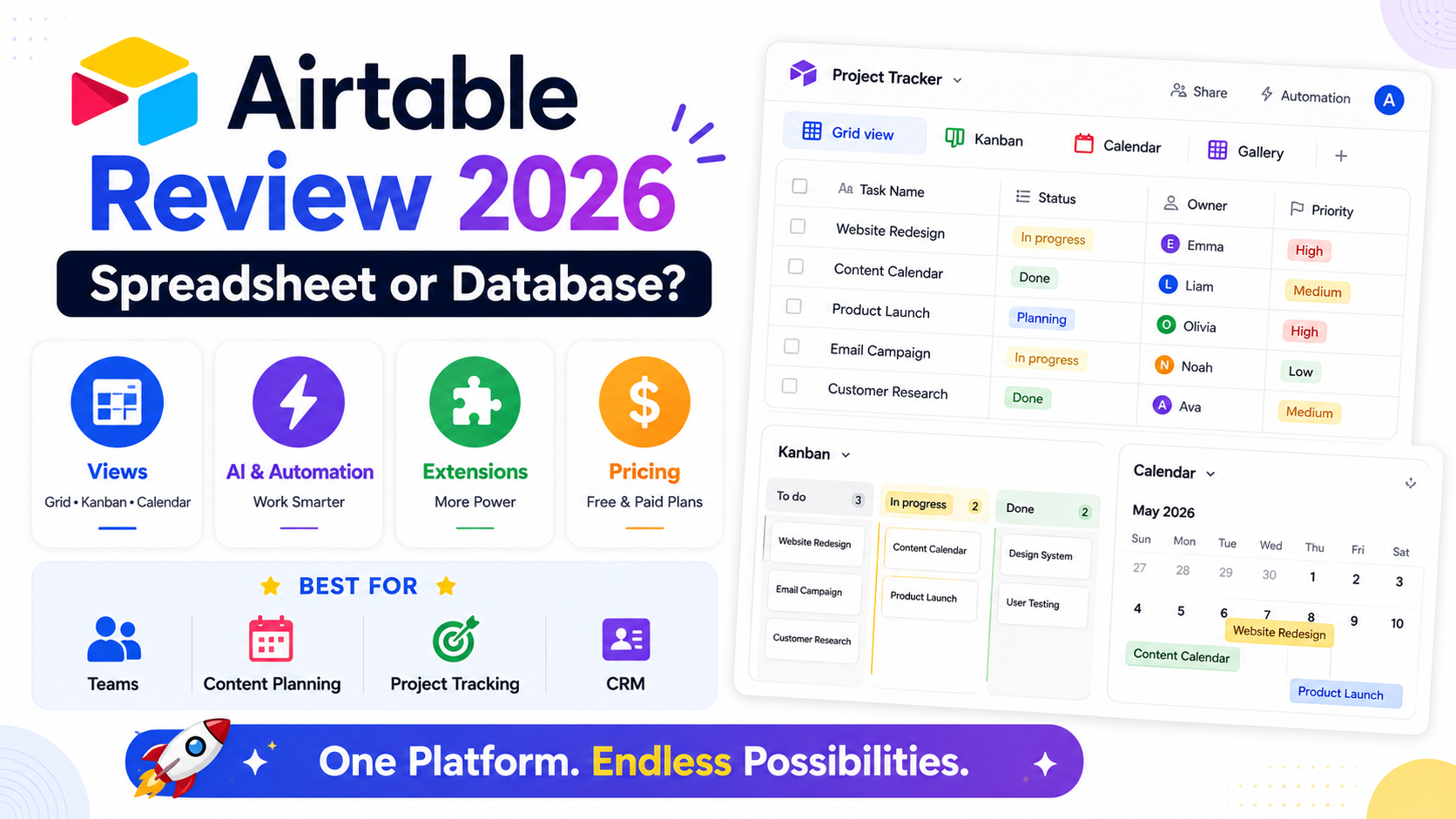
Airtable’s core strength remains letting the same underlying data display as a spreadsheet grid, a kanban board, a calendar, or a gallery view without duplicating information, a genuine differentiator that still feels more polished than most direct competitors.
🔗 Download on Play Store | Get it on App Store | www.airtable.com
Automations and AI Features
Airtable’s automation builder handles routine tasks like sending a notification when a record’s status changes, while newer AI features can now summarize record content and even generate formulas from a plain-language description of the intended logic.
Airtable Apps and Extensions
The Airtable Marketplace offers a genuinely useful library of pre-built extensions and mini-apps that add specialized functionality, like mapping or advanced charting, directly on top of a base without requiring custom development work.
Pricing and Where It Falls Short
Airtable’s free tier remains usable for smaller personal projects, though record limits and pricing scale up meaningfully for larger teams, and very large, complex bases can experience real performance slowdown compared to a purpose-built database.
Teams and individuals who genuinely need the flexibility to view the same data multiple ways, a content team viewing a calendar while a manager views a kanban board of the same underlying records, still get clear ongoing value from Airtable that a plain spreadsheet or a single-view project tool doesn’t replicate. Users managing genuinely large or highly relational datasets should test Airtable directly against their actual data volume before committing, since performance can degrade noticeably compared to a dedicated database once a base grows into the tens of thousands of records. Non-technical teams wanting database-like structure without hiring a developer remain Airtable’s strongest and most natural audience, since the spreadsheet-like interface genuinely lowers the barrier that a real database tool would otherwise present. The AI-assisted formula generation is worth trying specifically for users who’ve historically avoided Airtable’s more advanced formula features due to unfamiliar syntax. It’s also worth exploring the Marketplace extensions early on, since many genuinely useful features remain surprisingly undiscovered by long-time users who never venture beyond the default table view.
Airtable’s original hybrid between spreadsheet approachability and real database structure still hasn’t been fully matched years after popularizing the format, and its continued AI and automation investments have kept it genuinely useful rather than resting on that original idea alone. For teams and individuals who need structured, multi-view data without database expertise, Airtable in 2026 remains a genuinely strong choice. Test it directly against your team’s real data and workflow rather than a demo base before deciding, since its true value only becomes clear once genuine daily use begins, well past the point most reviews, including quick first impressions, ever actually get to.