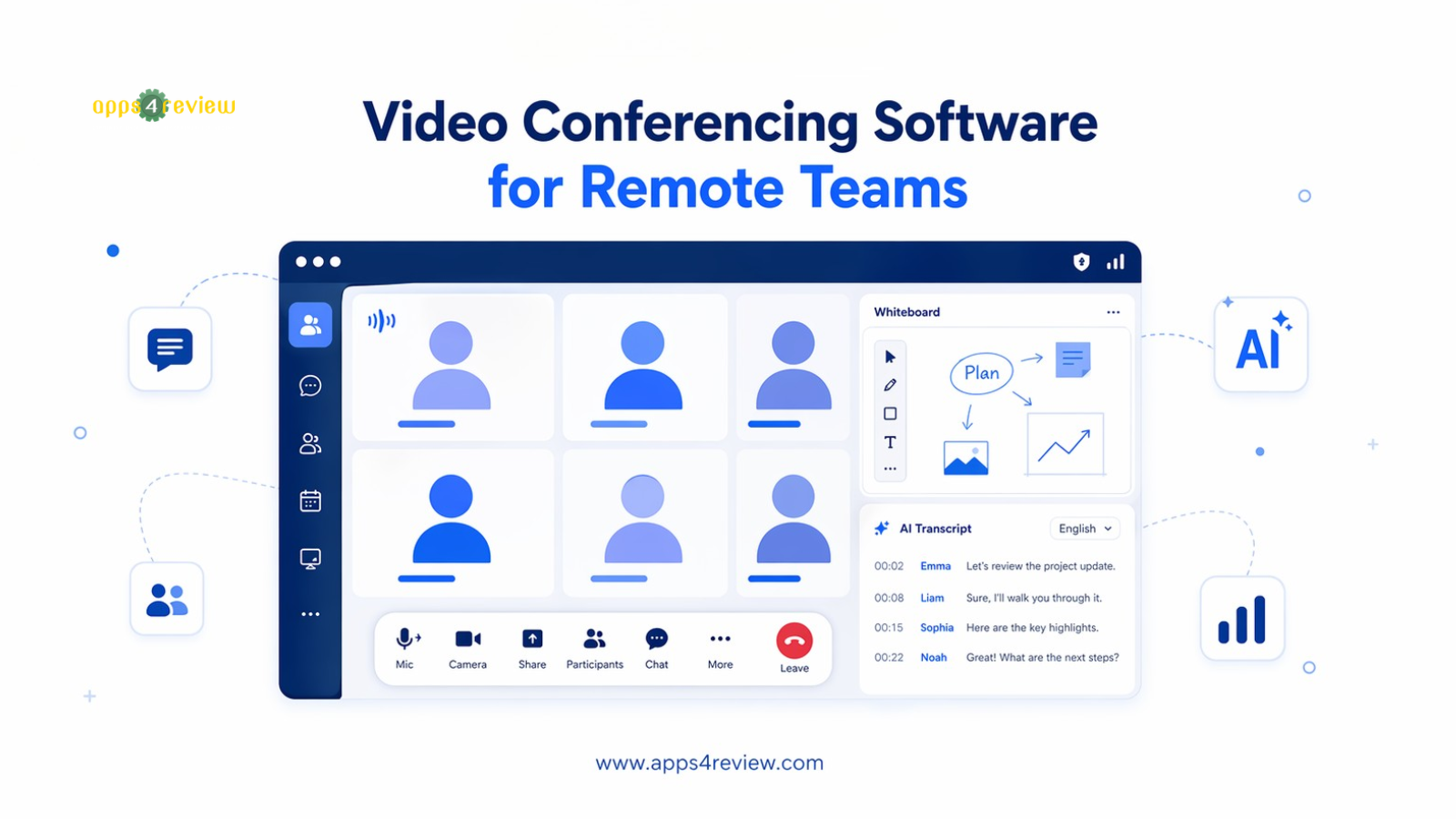
Remote teams in 2026 have outgrown basic video calls. The most effective distributed teams now need video conferencing software that does more than show faces — they need AI summaries, async video for time zone flexibility, and deep integration with their project management stack.
We tested eight platforms across real remote team workflows and found five that genuinely improve how distributed teams connect, decide, and act.
1. Zoom — Best for Reliability and Ecosystem
Zoom remains the most reliable video conferencing platform for remote teams. AI Companion — now included in all paid plans — generates real-time meeting summaries, captures action items, and suggests follow-ups. Whiteboard tool, breakout rooms, and Zoom Apps marketplace included. Starts at $13.33/user/month.
📱 Available on:
Best for: Teams that need a rock-solid, feature-rich platform with the largest ecosystem.
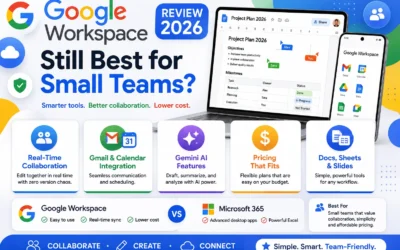
2. Google Meet — Best for Google Workspace Teams
Google Meet is seamlessly integrated into Google Calendar, Gmail, and Google Docs. Auto-generated captions, Gemini-powered AI meeting notes, and no-download browser access make it frictionless. Included free in Workspace plans.
📱 Available on:
Best for: Teams already using Google Workspace who want zero-friction scheduling.
3. Microsoft Teams — Best for Office 365 Integration
Microsoft Teams combines video conferencing with persistent chat, file sharing, and direct Office integration. Teams Copilot generates meeting recaps, drafts messages, and summarizes chat threads. Included in Microsoft 365.
📱 Available on:
Best for: Organizations running Microsoft 365 who want a unified communication hub.
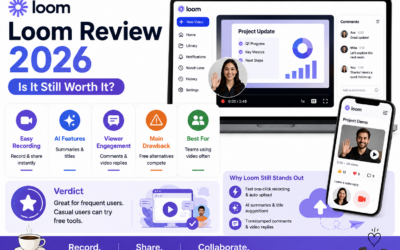
4. Loom — Best for Async Video Communication
Loom lets you record your screen and face with one click, then share a link — perfect for replacing unnecessarily scheduled meetings. Free for up to 25 videos.
📱 Available on:
Best for: Remote teams across multiple time zones where synchronous meetings are impractical.
5. Whereby — Best for Simple, No-Download Video Calls
Whereby lets participants join meetings directly in their browser — no downloads, no accounts required for guests. Rooms are permanent (same link every time) and the interface is clean and distraction-free. Ideal for client calls, external meetings, and small team stand-ups.
📱 Available on:
Best for: Teams that hold frequent client or external meetings where guest friction must be zero.
Build a Complete Remote Meeting Stack
- Synchronous (real-time): Zoom or Google Meet for decisions and collaboration
- Asynchronous: Loom for updates, walkthroughs, and feedback
- AI layer: AI Meeting Assistant to auto-transcribe and summarize all calls