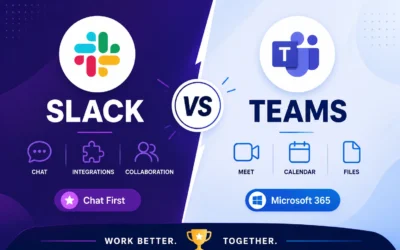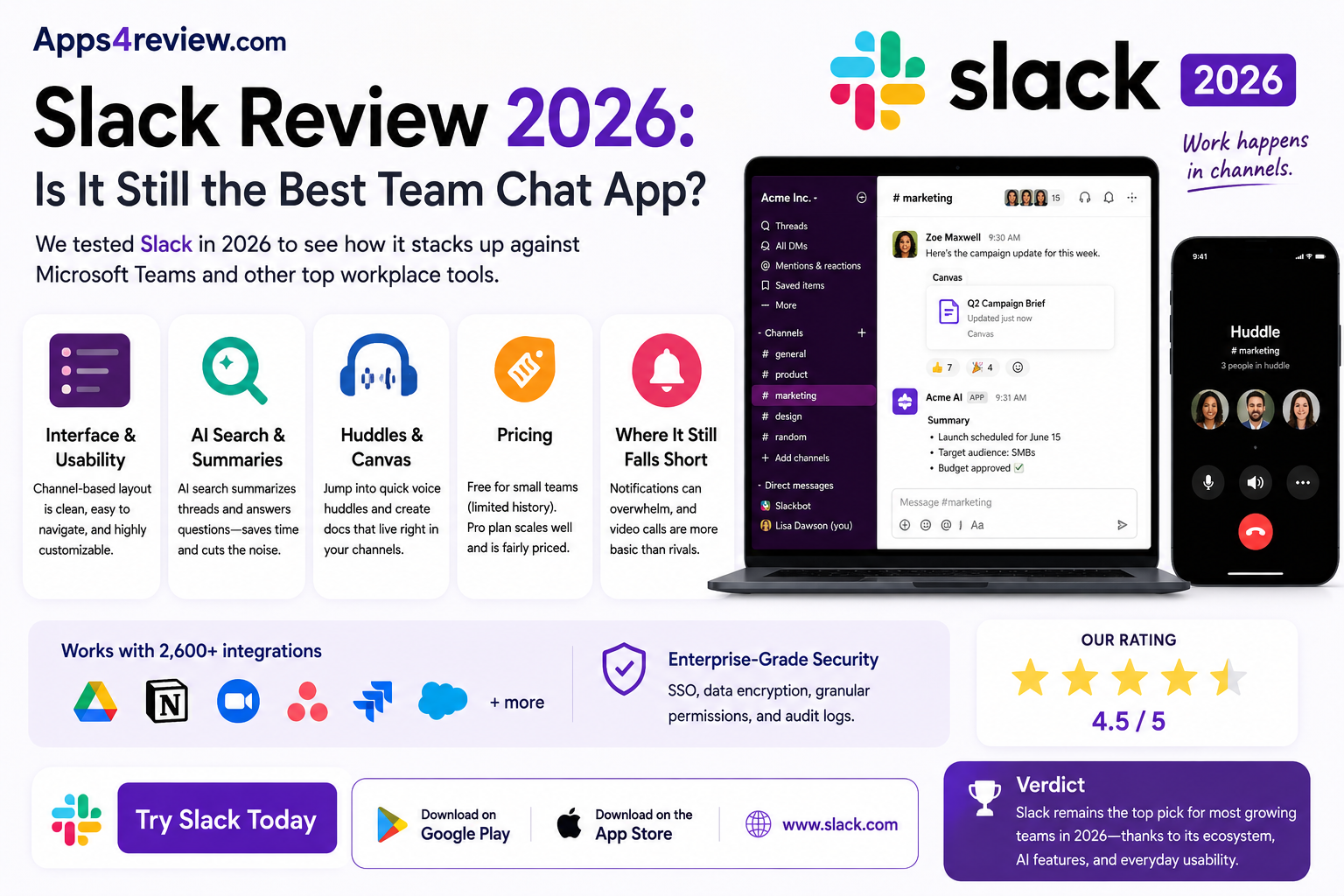
Slack practically invented the modern team chat category, but competition from Microsoft Teams and Google Chat has forced it to keep evolving well beyond simple messaging. In 2026, Slack looks less like a simple chat app and more like a full workplace hub, with AI search, huddles, built-in documents, and a growing list of workflow automations baked directly into channels. We spent several weeks using it daily across a distributed team, running standups, sharing files, and jumping between huddles, to see whether it still holds up against increasingly capable competitors, or whether it’s coasting on brand recognition alone.
Interface and Usability
Slack’s channel-based layout is still the easiest to scan of any team chat tool on the market, and the new sidebar customization options make it simple to keep noisy channels out of view without muting them entirely. New users typically feel comfortable navigating it within a single day.
AI Search and Summaries
Slack’s AI-powered search now summarizes long threads and can answer direct questions about past conversations, which has genuinely cut down on the amount of scrolling needed to find old decisions. It’s one of the most useful additions Slack has shipped in the last two years.
Huddles and Canvas
Huddles remain the fastest way to jump into a quick voice call without leaving a channel, and Canvas has matured into a genuinely useful lightweight docs tool for meeting notes and project briefs that stay attached to the relevant channel.
Pricing
The free tier is workable for very small teams but limits message history, which pushes most growing teams onto the Pro plan fairly quickly. Pricing sits roughly in line with Microsoft Teams, so the decision usually comes down to which ecosystem your company already lives in.
Where It Still Falls Short
Slack notifications can still get overwhelming in larger workspaces without deliberate channel discipline, and video calling remains noticeably more basic than what Teams or Zoom offer natively.
🔗 Download on Play Store | www.slack.com
Verdict
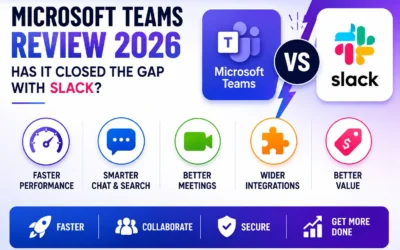
Slack still deserves its position as the default recommendation for most growing teams, largely because the ecosystem around it, from third-party integrations to sheer familiarity among new hires, remains unmatched by any single competitor. Microsoft Teams makes more sense for organizations already deep in the Microsoft 365 ecosystem, where the licensing often makes it effectively free, but for standalone teams that value a cleaner interface and faster day-to-day usability, Slack remains the more pleasant tool to use every single day. Rating it against where it started years ago, the addition of genuinely useful AI search alone justifies a fresh look even for teams that dismissed it as “just chat” in the past.
Slack in 2026 earns its reputation less on chat alone and more on how well AI search and Canvas have been woven into daily use, turning what used to be a pure messaging app into something closer to a lightweight work operating system. It’s not perfect, notification fatigue and basic video calling are real drawbacks worth going in with your eyes open about, but for teams not already locked into Microsoft’s ecosystem, it’s still one of the easiest recommendations to make. If you’re evaluating it for a growing team, run a genuine 30-day trial with real projects rather than a few test messages, since Slack’s value becomes obvious only after it’s holding actual decisions and history that people start relying on.