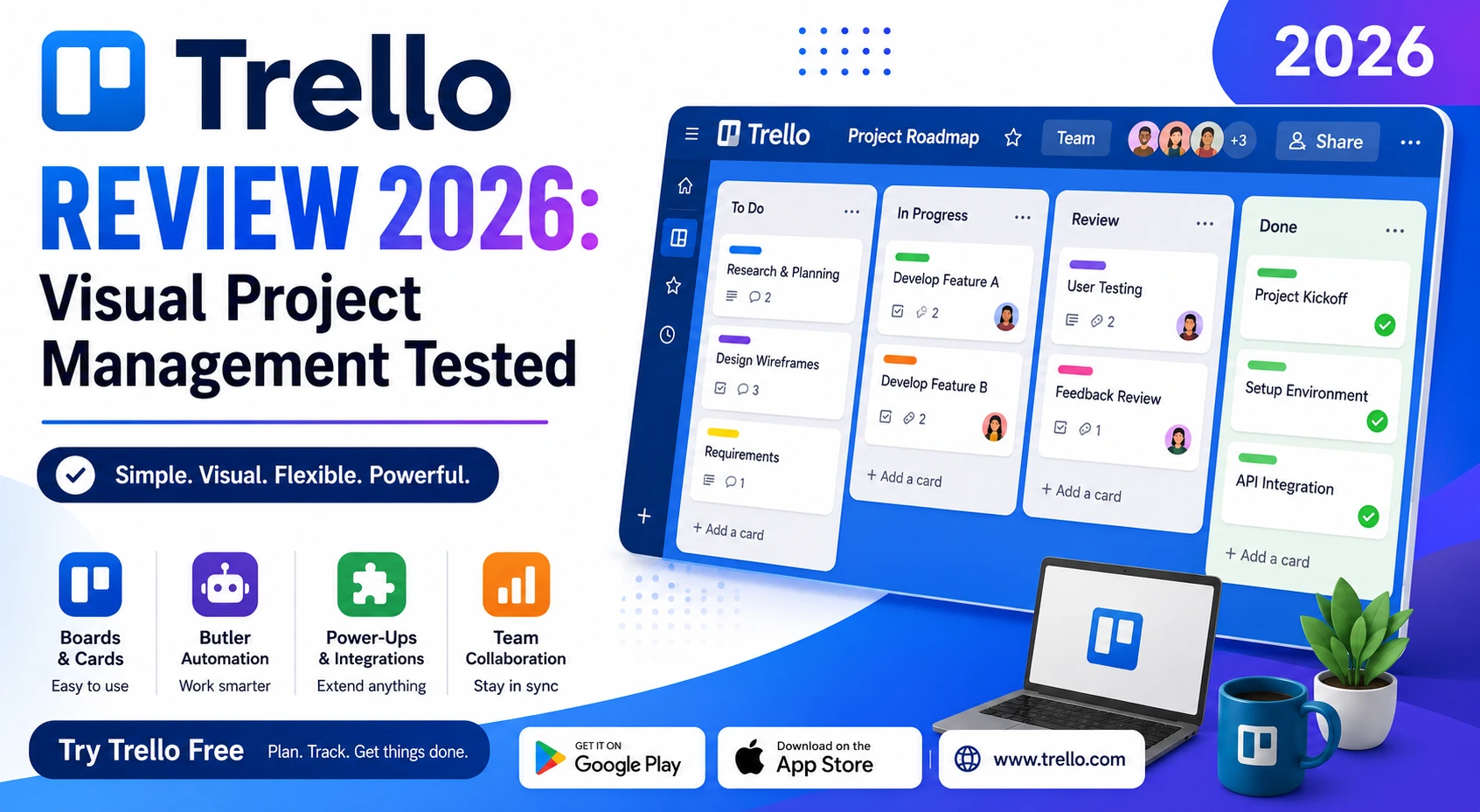
Trello popularized the card-based kanban board for a mainstream audience well before most competitors caught on, and its simple drag-and-drop interface remains one of the easiest entry points into structured project management for teams that don’t want a steep learning curve. Years later, with far more feature-rich competitors like Asana and ClickUp on the market, we spent several weeks running real projects through Trello to see whether its original simplicity still holds up or whether it’s genuinely started to feel outdated by comparison. The results surprised us more than expected given how much the competitive landscape has shifted since Trello first launched.
Board Setup and Usability
Trello’s board, list, and card structure remains immediately understandable even to someone who’s never used project management software before, and new users typically feel fully comfortable navigating it within minutes rather than requiring any real onboarding.
Automation with Butler
Butler, Trello’s built-in automation tool, lets you set up rules like automatically moving a card or notifying a teammate when a due date passes, all without writing any code. It’s a genuinely powerful feature that many users don’t discover until well after they’ve started using the app.
Power-Ups and Integrations
Trello’s Power-Ups system extends its otherwise simple board with calendar views, time tracking, and integrations with tools like Slack and Google Drive, letting the app scale up in functionality without cluttering the base experience for users who don’t need those extras.
Where It Starts to Show Its Age
Trello’s board-only structure genuinely struggles with complex, multi-phase projects involving dependencies and detailed reporting, areas where competitors like Asana and ClickUp have invested heavily and pulled meaningfully ahead over the past several years.
Pricing
Trello’s free tier remains genuinely generous for individuals and small teams, and its paid tiers stay competitively priced against feature-heavier alternatives, making it an easy recommendation specifically for teams that don’t need the deeper reporting or dependency tracking of pricier competitors.
🔗 Download on Play Store | Get it on App Store | www.trello.com
Who Trello Is Still the Right Choice For
Trello remains genuinely well suited for content calendars, simple sprint boards, and any workflow that fits naturally into a visual left-to-right progression of stages, since that’s exactly the structure its board format was built around from the start. Teams managing more complex projects with dependencies, resource allocation, or detailed timeline views will likely outgrow it faster than they’d outgrow a more structured tool like Asana, and forcing that complexity into Trello’s simple board format tends to create more friction than it solves. For solo users, small teams, and straightforward workflows, though, Trello’s simplicity remains a genuine strength rather than a limitation worth working around. It’s worth remembering that the most expensive tool isn’t automatically the right one, plenty of teams pay for features they never actually touch.
Trello hasn’t tried to become everything to everyone, and that restraint is exactly why it’s held onto a loyal user base even as flashier, more feature-dense competitors have entered the market. If your team’s workflow genuinely fits a simple board structure, Trello in 2026 remains one of the easiest, most approachable project management tools available, and its price point makes it a low-risk tool to actually try before committing to something heavier. Give the free tier a genuine two-week trial with a real project rather than a test board, that’s the only way to know if the simplicity actually works for your specific team and workflow.