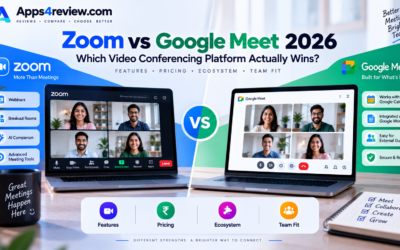
Zoom’s rise from a relatively niche business tool to a household name reshaped how the world thinks about video calls, but years later, with Google Meet and Microsoft Teams both genuinely improved and often bundled free with existing subscriptions, it’s worth asking whether Zoom still earns its place as a separate, often paid, tool. We tested Zoom across team meetings, webinars, and one-on-one calls over several weeks to see how it holds up against increasingly capable built-in alternatives in 2026, paying particular attention to whether its historical advantages still genuinely hold up.
Video and Audio Quality
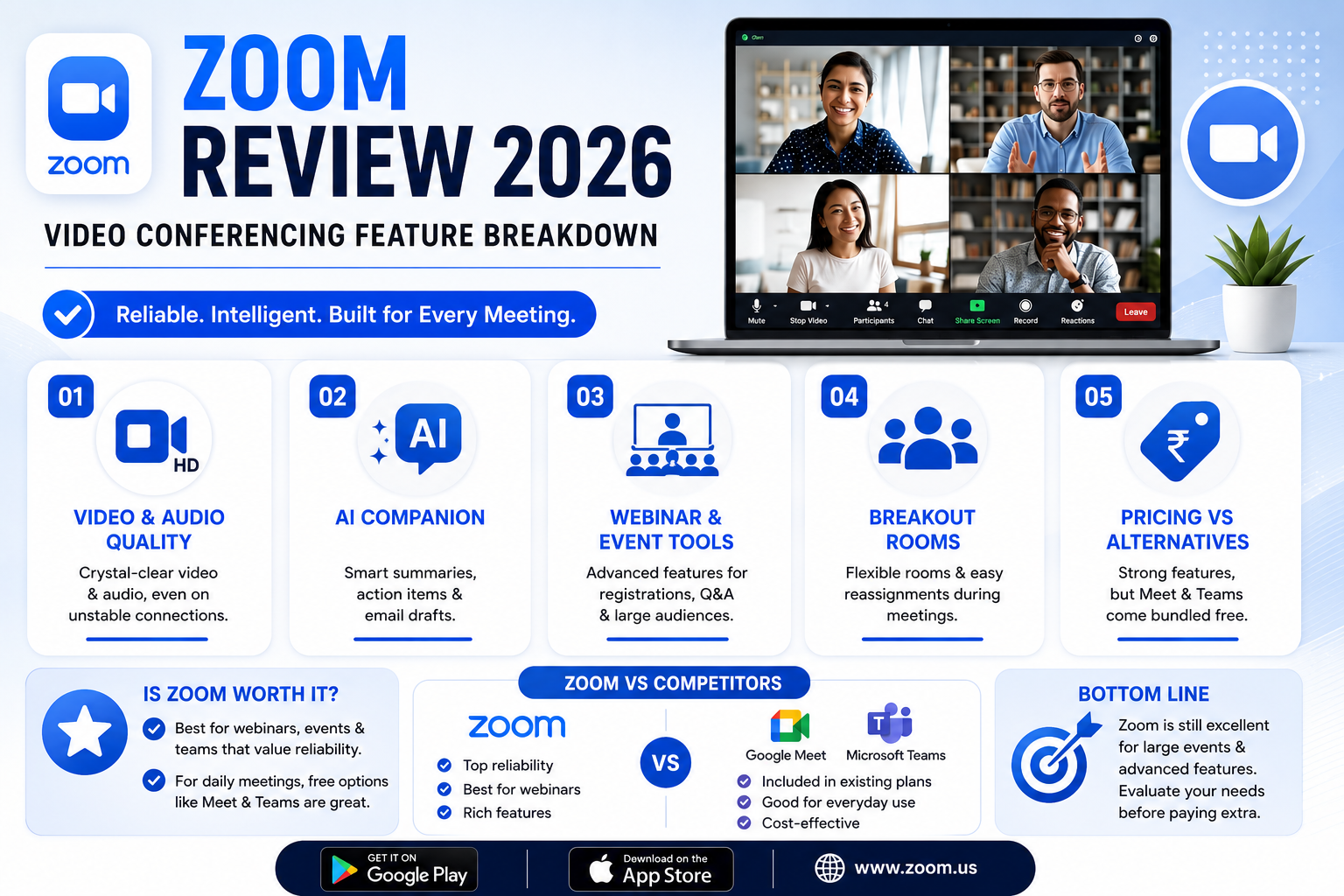
Zoom’s video and audio quality remains genuinely excellent even on inconsistent internet connections, with adaptive compression that degrades gracefully rather than freezing or dropping calls entirely the way some competitors still occasionally do, particularly on unstable mobile data connections.
AI Companion Features
Zoom’s AI Companion generates meeting summaries, action items, and even helps draft follow-up emails automatically, a genuinely useful addition that saves real time compared to manually reviewing recordings or notes after a long meeting that covered several unrelated topics.
Webinar and Large-Scale Event Tools
Zoom’s webinar features remain more mature and reliable than most competitors for large-scale events, with registration, Q&A moderation, and breakout capabilities that still outperform what’s built into Teams or Meet for bigger, more structured events with hundreds of attendees.
Breakout Rooms
Zoom’s breakout room functionality remains genuinely smoother and more flexible than competitors, letting hosts manage group splits and reassignments mid-meeting with noticeably less friction than similar features elsewhere, which matters considerably for trainers and educators running interactive sessions.
Pricing Against Bundled Alternatives
Zoom’s biggest competitive challenge isn’t feature quality, it’s that many businesses already pay for Google Workspace or Microsoft 365, which include Meet or Teams essentially for free, making Zoom’s separate subscription a harder sell purely on cost grounds when a perfectly adequate alternative is already sitting unused.
🔗 Download on Play Store | Get it on App Store | www.zoom.us
Is Zoom Still Worth Paying For Separately
For businesses already deeply invested in Google Workspace or Microsoft 365, the free, bundled alternative is genuinely hard to justify paying extra to avoid, and Meet and Teams have both closed much of the quality gap that once made Zoom the clear default choice. Zoom still earns its keep specifically for organizations running frequent large webinars or events, where its more mature large-scale tools remain a genuine step ahead of the built-in competition, and for teams that simply prefer its interface and reliability enough to justify a standalone subscription. For everyday internal team meetings without heavy webinar needs, the case for paying separately for Zoom has genuinely weakened as the free, bundled alternatives have matured considerably over the past several years, closing a gap that once felt much wider than it does today.
Zoom remains a genuinely well-built, reliable video conferencing tool, but its position as an obvious default has eroded as free, bundled competitors have closed the gap in most everyday use cases. If your organization runs frequent large-scale webinars or values Zoom’s specific polish enough to pay for it separately, it remains an easy recommendation, but casual, internal-meeting-only teams should seriously evaluate whether they’re already paying for a perfectly adequate alternative without realizing it. A quick internal audit of which tool your team actually opens by habit each day often reveals the answer faster than any feature comparison chart, since real usage patterns tend to be more honest than stated preferences in a survey.