Figma fundamentally changed how design teams work together by moving serious interface design into the browser with genuine real-time multiplayer editing, letting multiple designers and stakeholders work on the same file simultaneously rather than passing files back and forth between separate desktop apps. That shift proved so influential that most competitors have since copied the same collaborative approach, and by 2026, Figma faces genuine competition from tools that have absorbed its core innovation and are now differentiating through AI-assisted design generation and tighter developer handoff instead. It’s worth examining whether Figma’s continued investment in these areas has kept it clearly ahead, or whether the category has genuinely leveled out. This review looks at whether Figma’s continued lead is still clear-cut or whether the gap has narrowed enough that switching costs now outweigh any remaining feature advantage.
Real-Time Collaboration
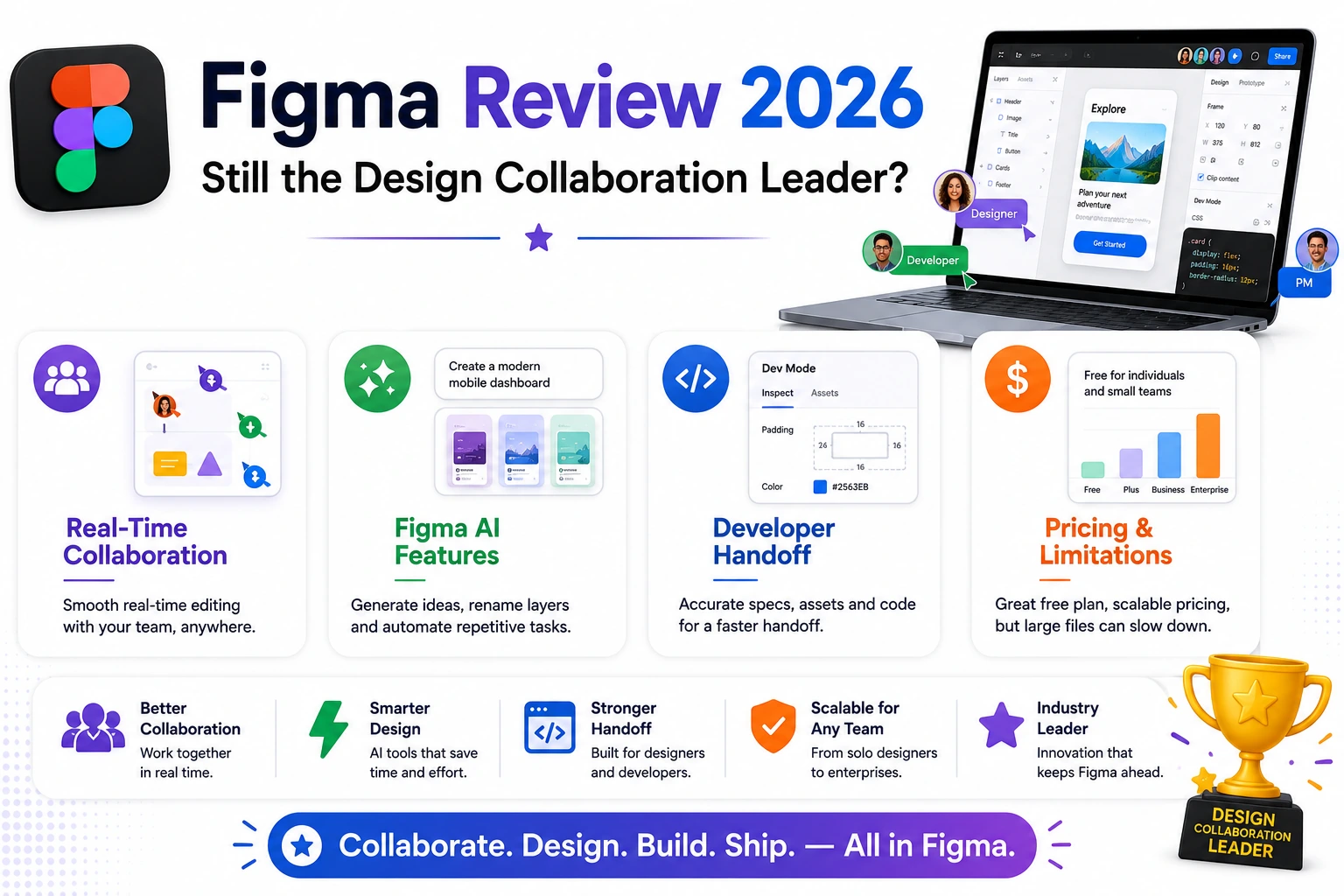
Figma’s real-time multiplayer editing remains genuinely best-in-class, letting multiple people work in the same file simultaneously with smooth, low-latency updates that still feel more polished than most competitors’ collaborative features.
Figma AI Features
Figma’s AI tools now handle tasks like generating design variations from a prompt and automatically renaming disorganized layers, genuinely reducing some of the tedious manual cleanup work that used to fall entirely on designers.
Developer Handoff
Figma’s Dev Mode gives developers direct access to accurate CSS values, spacing measurements, and asset exports straight from a design file, meaningfully reducing the back-and-forth clarification that used to slow down design-to-development handoff.
Pricing and Where It Falls Short
Figma’s free tier remains generous for individuals and small teams, though costs scale up meaningfully for larger organizations, and its browser-based performance can still lag noticeably on very large, complex files compared to native desktop applications.
Teams that specifically value seamless real-time collaboration across multiple stakeholders, not just designers but product managers and developers reviewing work in progress, still get the clearest ongoing value from Figma over competitors that added collaboration as an afterthought rather than building around it from the start. Design teams working with very large, complex files, common in extensive design systems, may notice genuine performance friction that a native desktop tool wouldn’t have, worth testing directly against your team’s actual largest files before fully committing. Organizations wanting tighter design-to-development handoff specifically benefit from investing time in properly using Dev Mode, since many teams underuse this feature and continue relying on manual specification documents that Figma’s own tooling has already made largely unnecessary. Smaller teams and freelancers should specifically check whether Figma’s generous free tier already covers their actual needs before assuming a paid plan is required, since many individual users never actually hit the free tier’s real limits. Testing an actual team workflow, not just a solo demo project, tends to reveal Figma’s collaborative strengths far more clearly than exploring the interface alone ever would.
Figma’s foundational innovation in real-time design collaboration still hasn’t been fully matched years after popularizing the format, and its continued AI and developer handoff investments have kept it genuinely relevant rather than resting on that original advantage alone. For teams that value seamless collaboration across the full product development process, Figma in 2026 remains the clear leader rather than a fading first-mover. Anyone evaluating a switch away from it should weigh the very real cost of retraining an entire team against whatever marginal advantage a competitor claims to offer, since that retraining cost is often underestimated until it’s already underway.