Microsoft OneNote has quietly powered millions of notebooks for years, bundled into Microsoft 365 subscriptions that many people already pay for without necessarily realizing OneNote’s genuine capability, while flashier competitors like Notion have dominated recent conversation around note-taking and workspace tools. It’s worth taking a genuine second look at OneNote in 2026, since its combination of free-form canvas-style notes, strong handwriting support, and tight Microsoft ecosystem integration offers a meaningfully different approach than the structured, block-based competitors that have captured most of the recent attention in this category. This review looks at whether that quiet, overlooked reputation is genuinely fair or whether OneNote deserves more credit than it usually gets.
Free-Form Canvas Notes
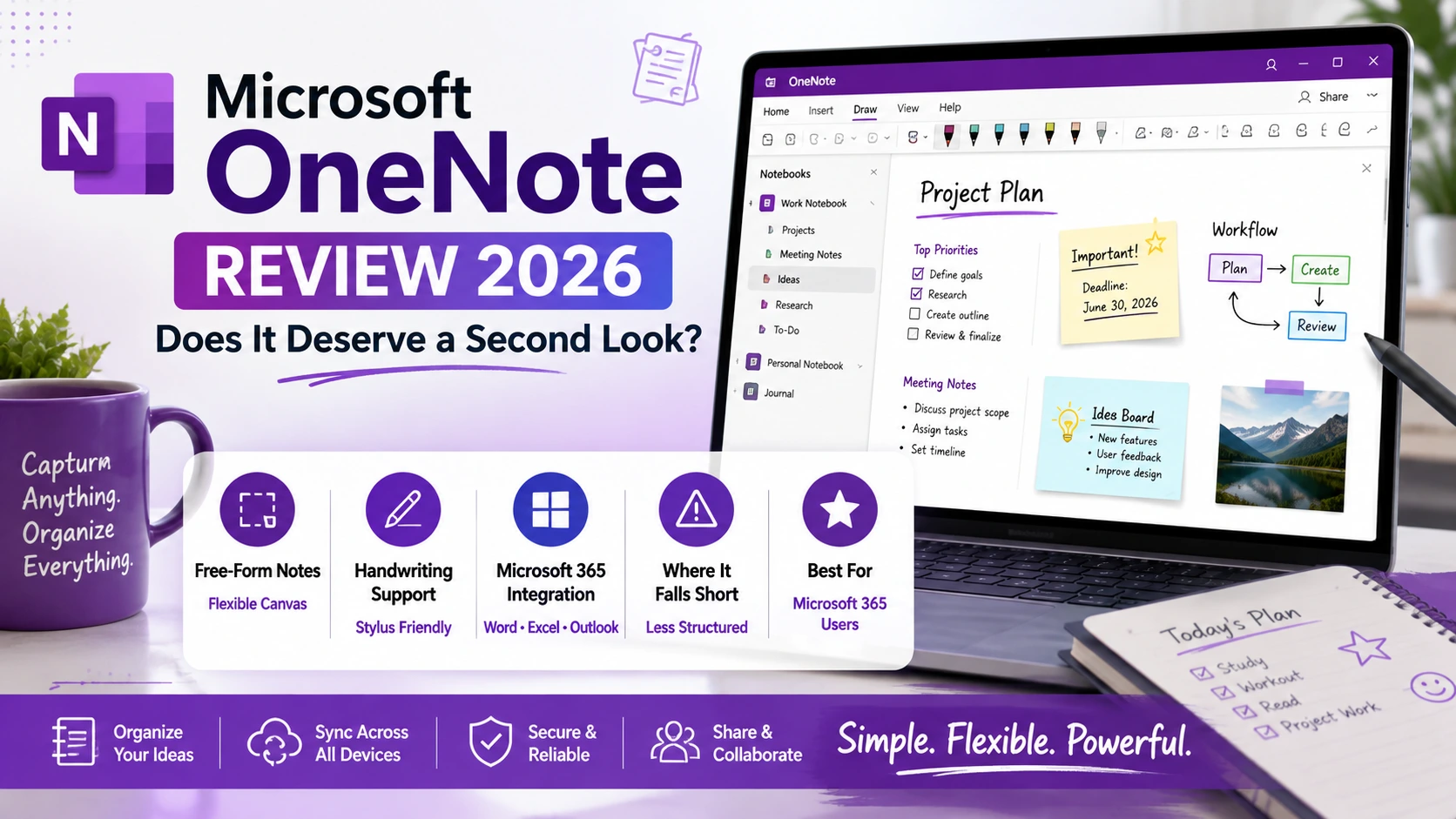
OneNote’s distinctive free-form canvas lets users place text, images, and drawings anywhere on a page rather than following a rigid linear structure, appealing to users who think and take notes in a genuinely non-linear, spatial way.
🔗 Download on Play Store | www.onenote.com
Handwriting and Stylus Support
OneNote offers genuinely strong handwriting recognition and stylus support, making it a particularly capable choice for users who prefer writing notes by hand on a tablet rather than typing, with handwritten notes remaining fully searchable.
Microsoft 365 Integration
OneNote integrates tightly with the broader Microsoft 365 suite, letting users embed Excel data or link directly to Outlook tasks, a genuine advantage for users and organizations already deeply invested in Microsoft’s ecosystem.
Where It Falls Short
OneNote’s free-form structure that appeals to some users becomes a genuine organizational challenge for others who prefer more rigid, block-based systems, and its search and tagging capabilities remain less sophisticated than dedicated competitors focused specifically on that area.
Users who already pay for Microsoft 365 for other reasons, Word, Excel, Outlook, get genuinely strong value from OneNote since it’s already included at no additional cost, making it worth a serious trial before paying separately for a different note-taking subscription. Tablet users who prefer handwriting notes with a stylus specifically should weigh OneNote’s handwriting support seriously against competitors, since it remains one of the stronger options for that particular use case. Users who think in a more structured, database-like way, wanting properties, tags, and linked relationships between notes, will likely find Notion’s block-based approach a more natural fit than OneNote’s free-form canvas. It’s worth testing OneNote’s search functionality directly against your actual typical notes before assuming it will handle a large, growing note collection as gracefully as more search-focused competitors. It’s also worth checking whether a shortlisted alternative genuinely supports handwriting as well as OneNote does before assuming any switch is a strict upgrade across every feature that matters.
OneNote’s free-form, spatial approach to notes offers a genuinely different philosophy than the structured, block-based tools dominating recent conversation, and it deserves real consideration specifically from users who already have Microsoft 365 or who think and write in a more visual, non-linear way. For everyone else, the structured alternatives that have captured recent attention likely remain the better fit, but OneNote in 2026 is a genuinely capable tool that’s earned more credit than its quiet reputation suggests. Anyone already paying for Microsoft 365 owes it a real trial before assuming a separate paid subscription is automatically necessary, since the savings alone can justify giving OneNote a genuinely fair second chance before spending money on something else entirely, especially since that trial genuinely costs nothing beyond a few minutes of setup time.