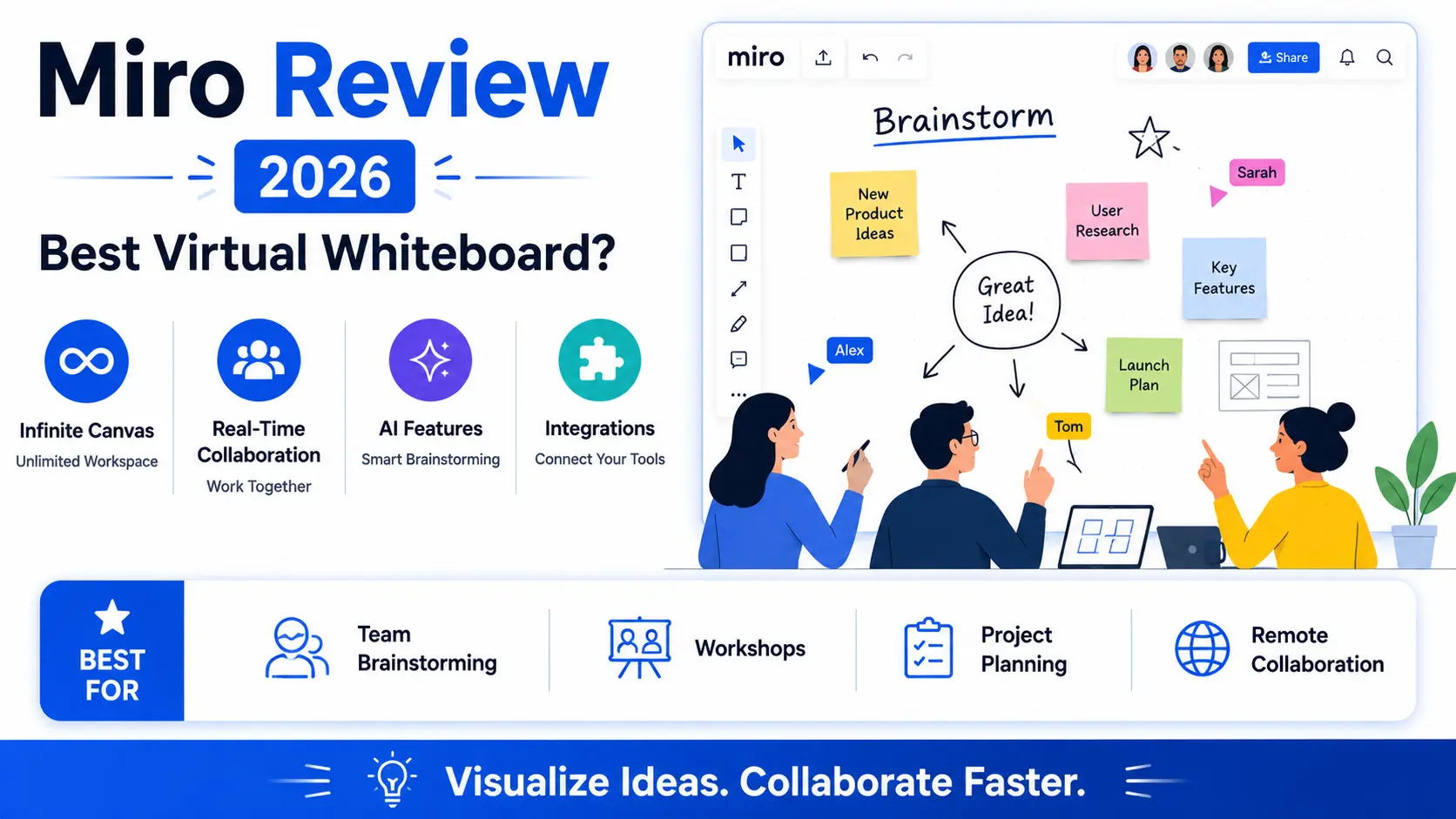
Miro helped popularize the virtual whiteboard as a genuine substitute for an in-person brainstorming session, giving remote and hybrid teams an infinite digital canvas for sticky notes, diagrams, and free-form collaboration that closely replicated the energy of standing around a physical whiteboard together. By 2026, Miro faces real competition from tools like Mural and even Figma’s own whiteboard-style features (FigJam), and it’s worth checking whether Miro’s original execution and continued feature investment still justifies choosing it over these increasingly capable alternatives. This review looks at where Miro still stands out and where competitors have genuinely caught up.
Infinite Canvas and Real-Time Collaboration
Miro’s infinite canvas and genuinely smooth real-time collaboration remain a core strength, letting a distributed team brainstorm together with the same free-form energy as a physical whiteboard session, complete with visible cursors showing who’s working where.
🔗 Download on Play Store | miro.com
Template Library and AI Features
Miro’s enormous template library covers nearly any workshop or planning format imaginable, and its AI features can now generate a starting diagram or summarize a cluttered board’s sticky notes into organized themes automatically.
Integration with Project Management Tools
Miro integrates with popular project management and documentation tools, letting ideas that emerge from a brainstorming session get converted directly into trackable tasks without manually re-entering everything into a separate system afterward.
Pricing and Where It Falls Short
Miro’s free tier covers casual and small team use reasonably well, though its per-seat pricing for larger teams can add up meaningfully, and very large, complex boards can experience genuine performance slowdown compared to smaller, more focused boards.
Teams that specifically run frequent, genuinely collaborative brainstorming sessions across a distributed team still get the clearest ongoing value from Miro’s polished real-time canvas experience, which remains a notch more refined than most competitors for that specific use case. Design teams already living inside Figma for actual product design work may find FigJam’s tighter integration more convenient than adding an entirely separate Miro subscription and workflow. Teams running structured workshops repeatedly, retrospectives, planning sessions, benefit significantly from Miro’s extensive template library, which saves genuine setup time compared to building the same structure from scratch each time. It’s worth testing Miro directly against your team’s actual largest, most complex board before committing at scale, since performance on genuinely large boards is where some competitors have started to differentiate themselves. It’s also worth checking how well a shortlisted tool exports finished boards into a shareable format, since not every stakeholder reviewing the outcome needs full editing access to the live board itself.
Miro’s original vision of a genuinely collaborative infinite canvas still hasn’t been fully displaced years after popularizing the format, and its continued AI and integration investments have kept it relevant rather than resting on that original idea alone. For teams that run frequent collaborative sessions and value a polished, dedicated whiteboard experience, Miro in 2026 remains a genuinely strong choice, though design-heavy teams already in Figma’s ecosystem should weigh FigJam’s convenience directly against it. Try running one real workshop in each tool before deciding, since the actual feel of live collaboration matters more here than any feature comparison chart could ever fully capture on its own, and that hands-on feel is ultimately what determines daily adoption far more reliably than any spec sheet ever could, since teams stick with tools that feel good to use every day rather than ones that merely look impressive on paper.