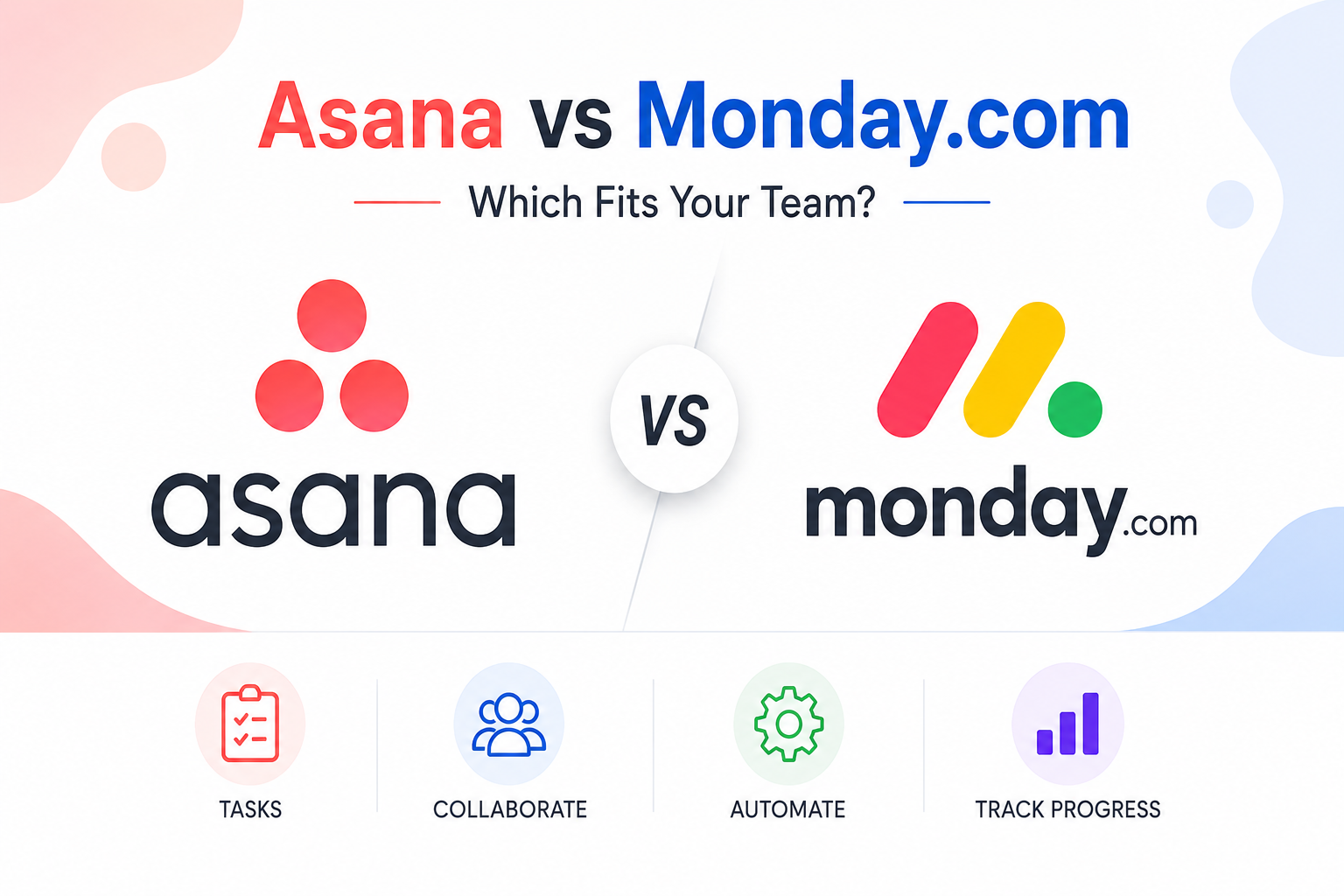
Asana and Monday.com have spent years as two of the most recognizable names in project and task management, and both have matured considerably since their early days into genuinely capable platforms that go well beyond a simple to-do list. Their core pitch overlaps significantly, giving teams a shared, visual way to track work across projects, but the two platforms have developed noticeably different personalities in how they’re structured and who they end up working best for. This review compares Asana and Monday.com across flexibility, automation depth, visual presentation, and pricing to help teams figure out which one genuinely fits how they already work rather than picking based on name recognition alone.
Structure and Flexibility
Asana organizes work around a fairly opinionated structure of projects, tasks, and subtasks with custom fields layered on top, which gives teams a reasonably consistent framework to adopt quickly without needing to design their own system from scratch. Monday.com takes a more visually flexible, spreadsheet-like board approach from the outset, letting teams build boards that look and behave quite differently from one department to the next, which offers more customization but also demands more upfront setup decisions before a team gets real value from it. Teams that want to get moving quickly with sensible defaults tend to prefer Asana’s more structured starting point, while teams with very specific tracking needs across different departments often prefer Monday.com’s greater visual and structural flexibility.
Automation and Workflow Power
Both platforms offer visual, no-code automation builders, but Monday.com’s automation engine has generally been considered somewhat more approachable for non-technical users, with a large library of pre-built automation recipes covering common workflows like status-change notifications or automatic task reassignment. Asana’s Rules feature covers similar ground and integrates tightly with its own custom fields and project structure, which works well for teams already deeply invested in Asana’s task model but can feel slightly more constrained for building workflows that span very differently structured boards or projects. Neither platform’s automation depth reaches the level of a dedicated workflow tool like Zapier for truly complex, multi-system automations, but both comfortably cover the vast majority of everyday team workflow needs.
Views and Reporting
Asana’s Timeline view, essentially a built-in Gantt chart, remains one of its strongest features for teams managing genuinely interdependent project schedules, letting managers see and adjust task dependencies visually without needing a separate dedicated project scheduling tool. Monday.com counters with its own strong visual dashboard and reporting builder, letting teams combine data from multiple boards into a single high-level view, which tends to appeal particularly to teams that need to report status up to stakeholders who aren’t working inside the tool daily. Both platforms support the now-standard mix of list, board (kanban), calendar, and timeline views over the same underlying task data, so the real difference comes down to which platform’s specific visual language and reporting flexibility a team’s managers find more intuitive to build from.
Pricing and Team Fit
Asana’s pricing tends to be somewhat more predictable for straightforward task and project tracking, with a genuinely usable free tier for very small teams and mid-tier plans that scale in a fairly linear way as a team grows. Monday.com’s pricing structure, based on user seat tiers with feature gates at each level, can become less predictable for teams that need specific higher-tier features but don’t have a large enough headcount to naturally land in that pricing bracket, sometimes requiring an upgrade primarily to unlock one specific feature rather than genuine additional capacity. Larger organizations building highly customized department-specific tracking systems, marketing campaign boards, sales pipelines, product roadmaps, all within one platform, tend to find Monday.com’s flexibility worth the more variable pricing, while teams wanting simpler, more standardized project and task tracking generally find Asana’s structure and pricing easier to reason about.
Neither platform has a decisive overall advantage in 2026; they’ve simply continued refining what already made each one distinct rather than converging into identical products. Teams whose primary need is straightforward project and task tracking with clear timelines and dependencies will generally find Asana faster to adopt and easier to keep consistent across the organization. Teams that need highly customized, visually distinct tracking systems across genuinely different departments, and who have the patience for more upfront setup work, will likely get more long-term value from Monday.com’s greater structural flexibility, even accounting for its less predictable pricing at scale.
Conclusion
Asana and Monday.com both remain excellent, mature project tracking platforms in 2026, and the right choice really does come down to how standardized versus how department-specific a team’s tracking needs actually are. For most teams prioritizing quick adoption and consistent project timelines, Asana remains the safer default, while teams that need highly customized tracking across varied departments and are willing to invest the setup time should give Monday.com’s flexibility serious consideration before defaulting to whichever name is more familiar.