Freelance invoicing tools all promise the same basic thing, get paid faster with less hassle, but the actual day-to-day experience of creating, sending, and tracking invoices varies considerably between platforms in ways that only become obvious after real use rather than reading a feature comparison chart. We tested the leading freelance invoicing web apps across actual client scenarios, from a single simple invoice to recurring retainer billing, to see which ones genuinely deliver on their promises in 2026. The differences that mattered most weren’t always the ones featured prominently in each platform’s own marketing.
FreshBooks
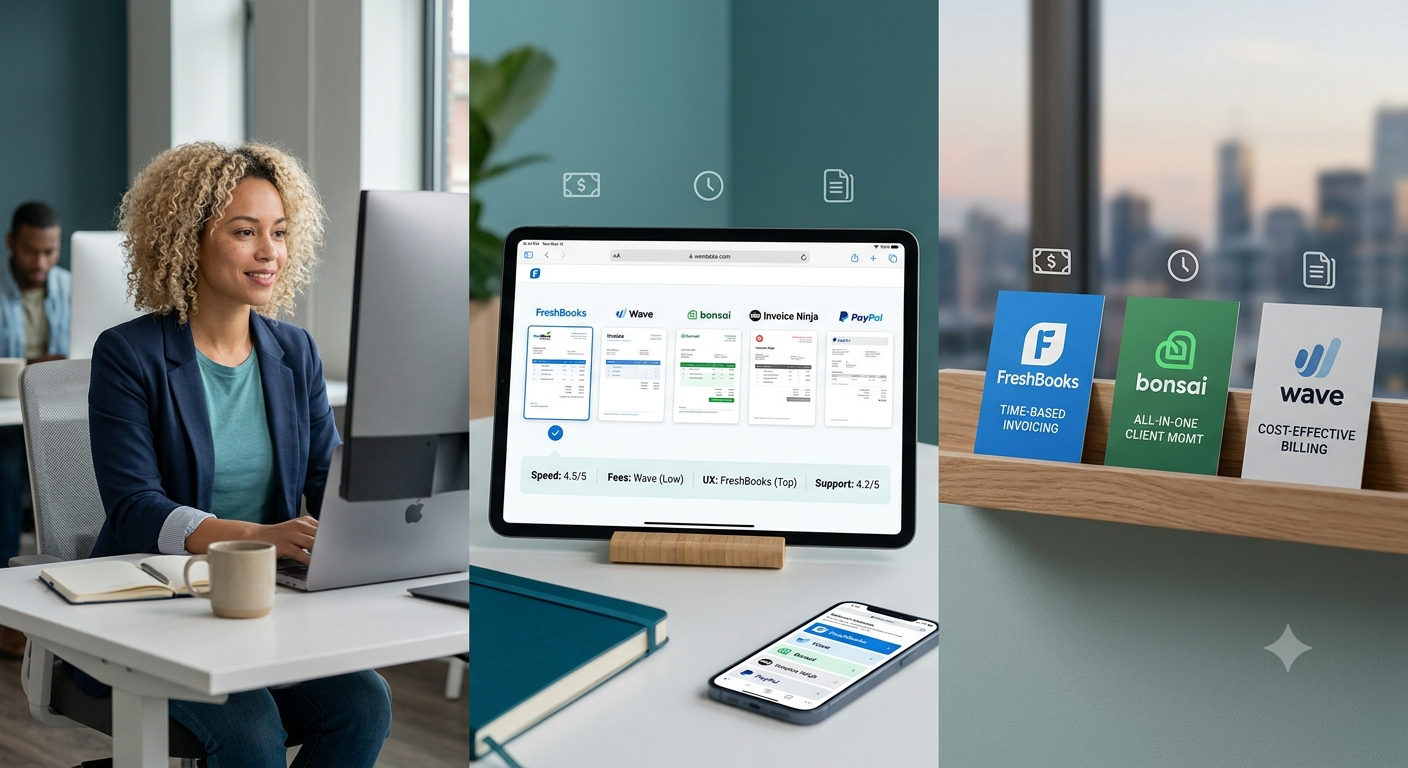
FreshBooks delivers a genuinely polished invoice creation experience with strong time tracking integration, making it particularly well suited to freelancers billing hourly who want time entries flowing directly into invoices without manual re-entry between separate tools.
Wave
Wave’s completely free invoicing tier remains genuinely hard to beat for cost-conscious freelancers, though its lack of built-in time tracking means pairing it with a separate tool if hourly billing is central to your work and income.
Bonsai
Bonsai’s all-in-one approach bundling invoicing with contracts and proposals genuinely shines for freelancers who want fewer separate tools managing the full client relationship from first contact through final payment and beyond.
Invoice Ninja
Invoice Ninja’s self-hosted option appeals genuinely to freelancers who want more control over their financial data, though the cloud version remains simpler for those who don’t want to manage their own hosting infrastructure.
PayPal Invoicing
PayPal’s built-in invoicing tool is genuinely convenient for freelancers already using PayPal for payments, offering basic invoice creation without needing a separate dedicated platform, though it lacks the deeper features of specialized invoicing tools.
🔗 www.freshbooks.com | www.waveapps.com | www.hellobonsai.com
What Actually Matters When Choosing an Invoicing Tool
Payment processing fees deserve more scrutiny than most freelancers give them, since a seemingly small percentage difference between platforms compounds meaningfully over a year of regular invoicing, especially for freelancers with higher transaction volumes. Client-facing polish matters more than it might seem too, a clean, professional-looking invoice with clear payment terms genuinely reflects on how seriously a client takes the working relationship, making this a worthwhile area to actually test rather than assume all these tools look equally professional. It’s also worth checking each platform’s late payment reminder automation specifically, since chasing overdue invoices manually is one of the most consistently disliked parts of freelancing, and a tool that handles this automatically removes real friction from an otherwise awkward task. Small details like customizable invoice numbering and multi-currency support can also matter considerably more than expected once you’re working with international clients, and it’s worth checking for these features explicitly rather than assuming every platform handles them equally well.
None of these tools are dramatically different in core function, but the details, fees, automation, and client-facing polish, add up to a genuinely different day-to-day experience once you’re sending dozens of invoices a year rather than just one or two. Wave remains the best starting point for freelancers minimizing costs, while FreshBooks and Bonsai earn their subscription price once your invoicing volume and complexity grow past what a purely free tool comfortably handles. Whichever you land on, actually send yourself a test invoice before rolling it out to real clients, seeing exactly what the recipient experiences catches issues a settings screen alone won’t reveal. That five-minute check has saved more than one freelancer from an embarrassing formatting error landing directly in a client’s inbox.