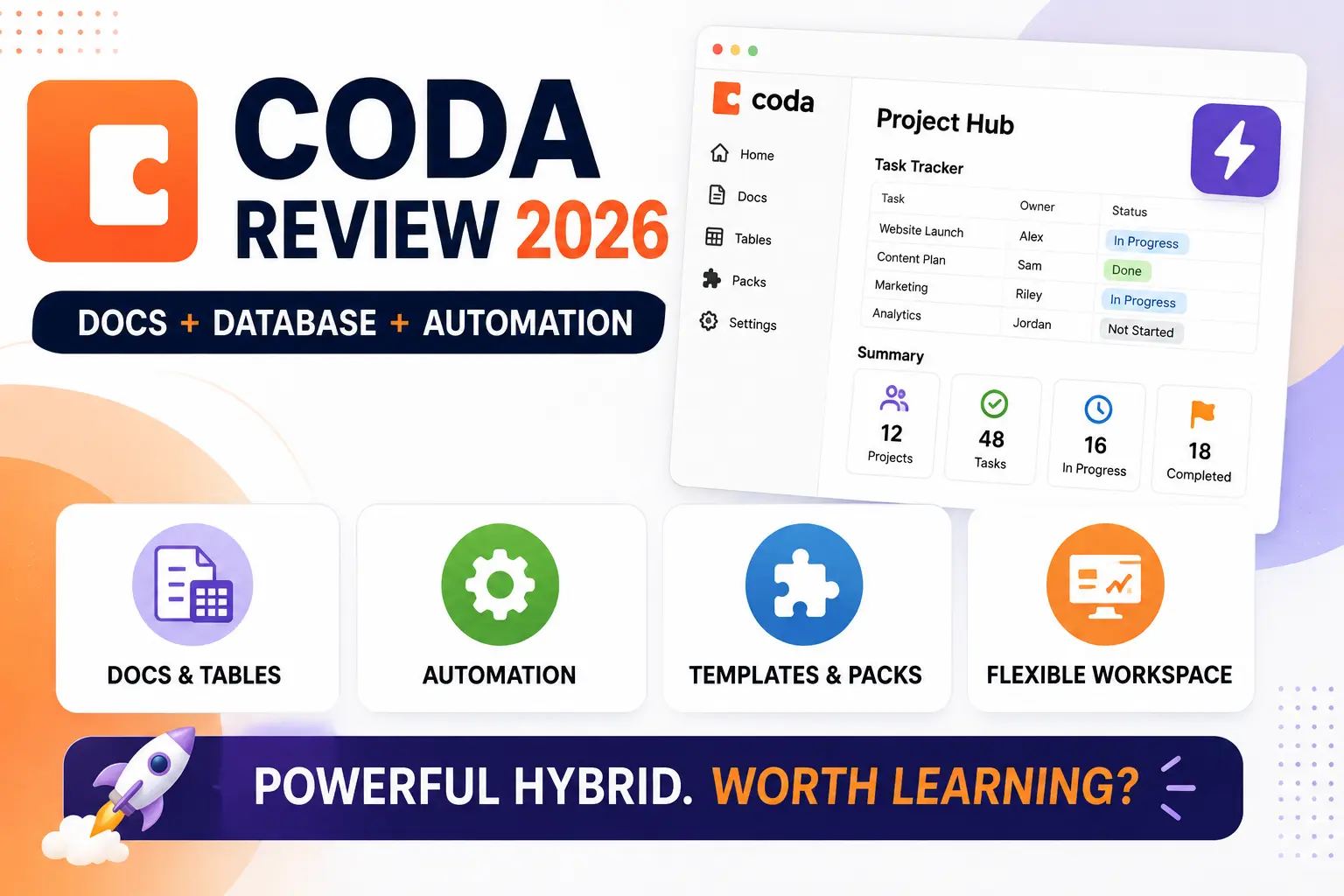
Coda set out with a genuinely ambitious premise, blending a flexible document editor with real database functionality and building automation directly into the same canvas, positioning itself as a tool that could replace both a wiki and a spreadsheet simultaneously. That ambition has always come with a genuinely real tradeoff, a steeper learning curve than more focused competitors, and it’s worth checking in 2026 whether Coda’s hybrid approach still justifies that learning investment against increasingly capable, more narrowly focused alternatives like Notion and Airtable. This review looks specifically at where that combined power genuinely earns its keep and where a simpler, more focused tool might actually serve a team better.
Docs and Tables in One Canvas
Coda’s core strength remains genuinely blending free-form document writing with structured database tables on the same page, letting a project plan include both narrative context and a genuinely functional tracked task list without switching between separate tools.
🔗 coda.io
Formulas and Automation
Coda’s formula language allows genuinely sophisticated automation and calculated fields within a document, approaching spreadsheet-level logic embedded directly into a flexible document format rather than a rigid separate spreadsheet file.
Templates and Packs
Coda’s template gallery and third-party Pack integrations let users start from a proven structure or add specialized functionality without building everything from scratch, somewhat easing the platform’s genuinely real initial learning curve.
Where It Falls Short
Coda’s genuine power comes with real complexity that can overwhelm users who just want a simple document or a simple table, and its steeper learning curve means teams need real time investment before the hybrid approach starts paying off compared to simpler dedicated tools.
Teams and individuals who genuinely need both document flexibility and real database structure in the same place still get clear ongoing value from Coda, since that specific combination remains harder to replicate cleanly in tools built primarily around one or the other. Users who just want a simple wiki or a simple spreadsheet will likely find Coda’s combined power genuinely more than they need, making a more focused tool like Notion or Google Sheets a faster, less overwhelming fit. It’s worth starting from one of Coda’s own templates rather than a blank canvas, since the platform’s real learning curve becomes much more manageable when building on an existing proven structure rather than starting from nothing. Teams should budget genuine dedicated time for initial setup and training before judging whether Coda’s hybrid approach is paying off, since first impressions during that early learning period tend to undersell its real long-term value once a team becomes fluent in it. It’s also worth involving just one or two genuinely enthusiastic early adopters on the team first, letting them build a working example other colleagues can learn from rather than expecting everyone to climb the learning curve simultaneously from a blank canvas.
Coda’s genuinely ambitious hybrid between document and database still hasn’t been fully replicated by competitors, and that combination remains its clearest differentiator years after launch. For teams and individuals who specifically need that blended flexibility and are willing to invest real time learning it, Coda in 2026 remains a genuinely powerful choice, though users wanting something simpler should honestly consider whether they need that power at all. A short trial project built around real, current work tends to reveal that answer far more clearly than reading feature comparisons alone, since Coda’s true value only becomes obvious once a team is genuinely fluent enough to stop thinking about the interface itself.